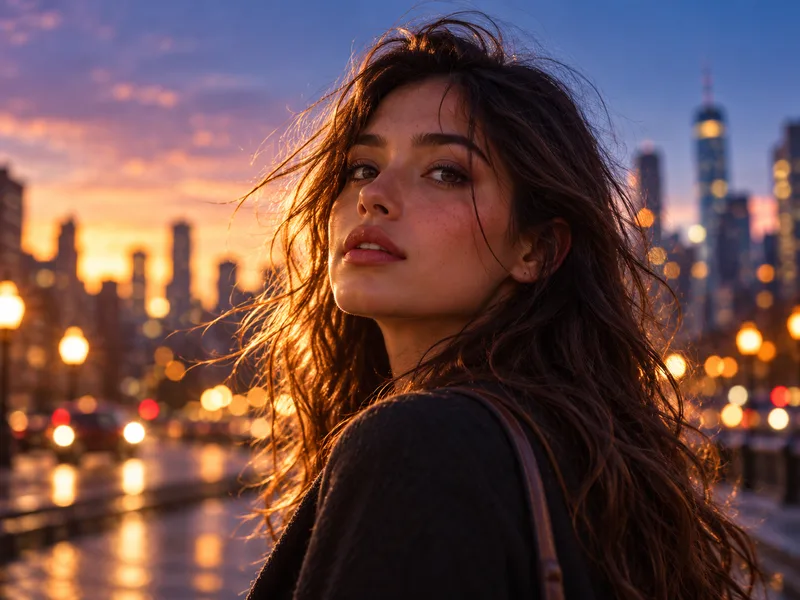
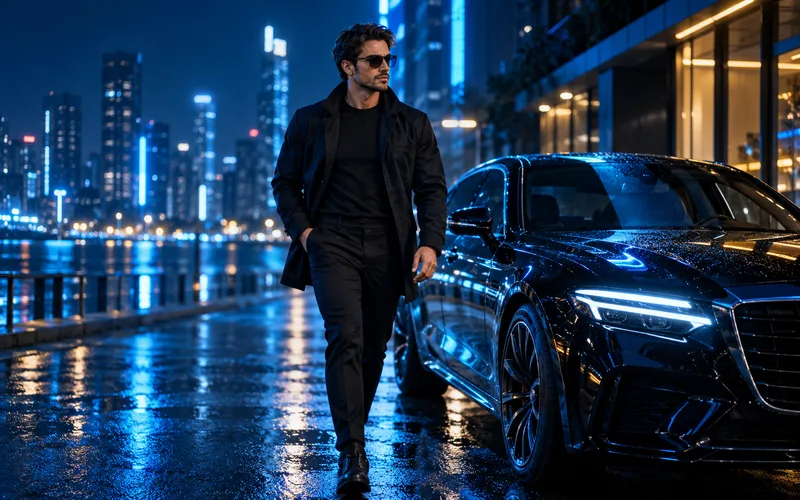

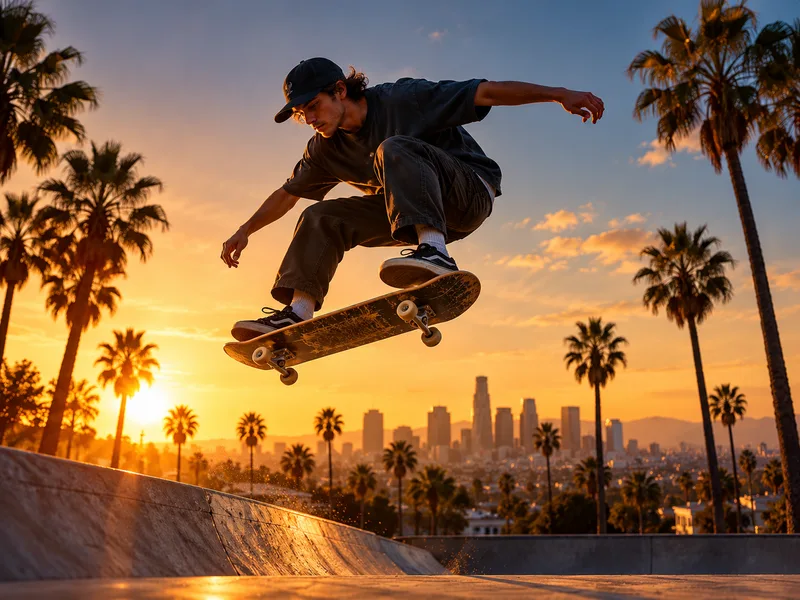
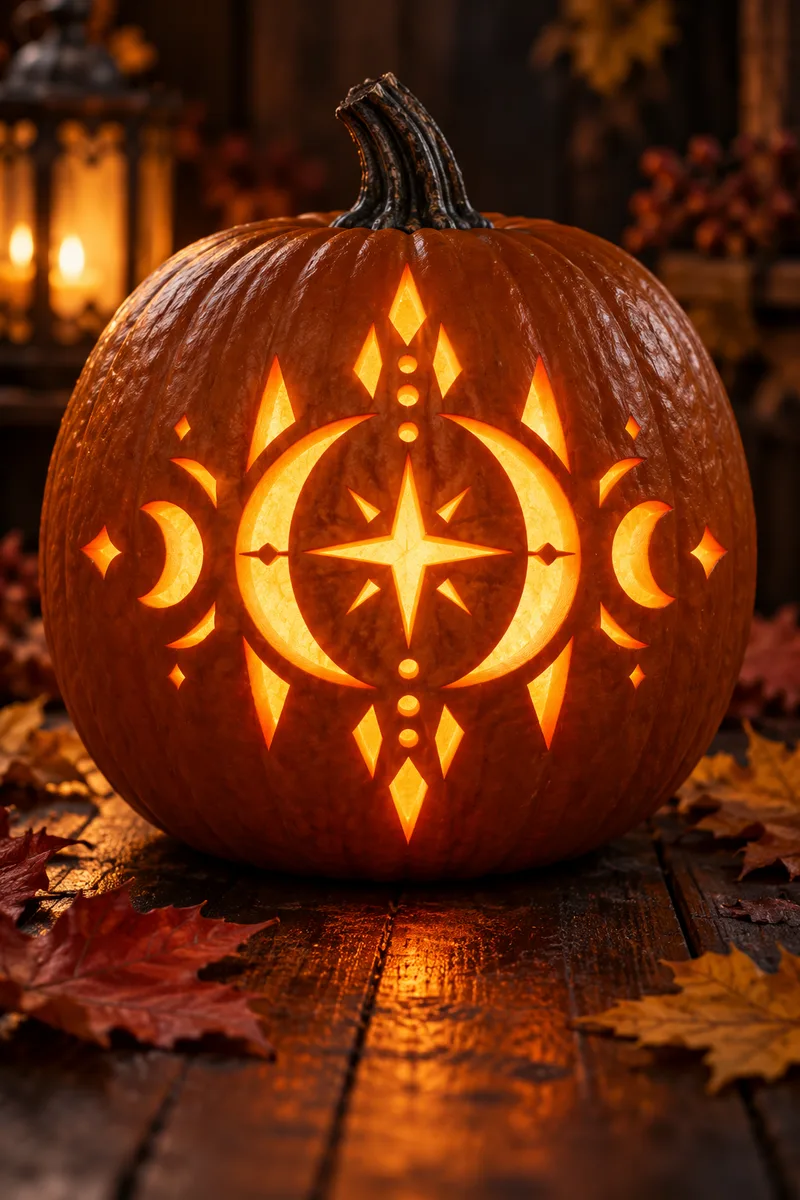
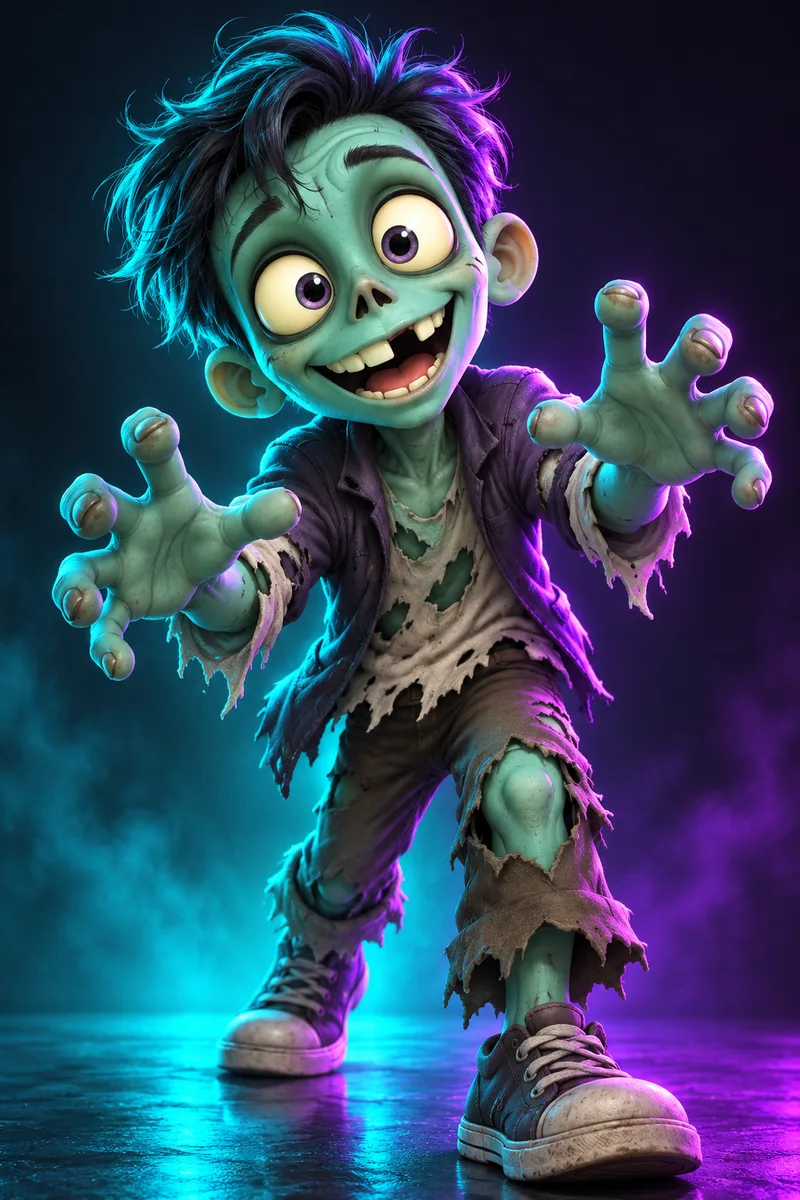


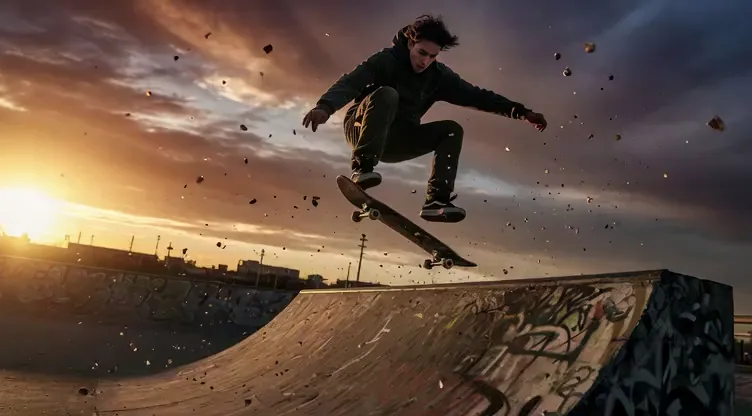
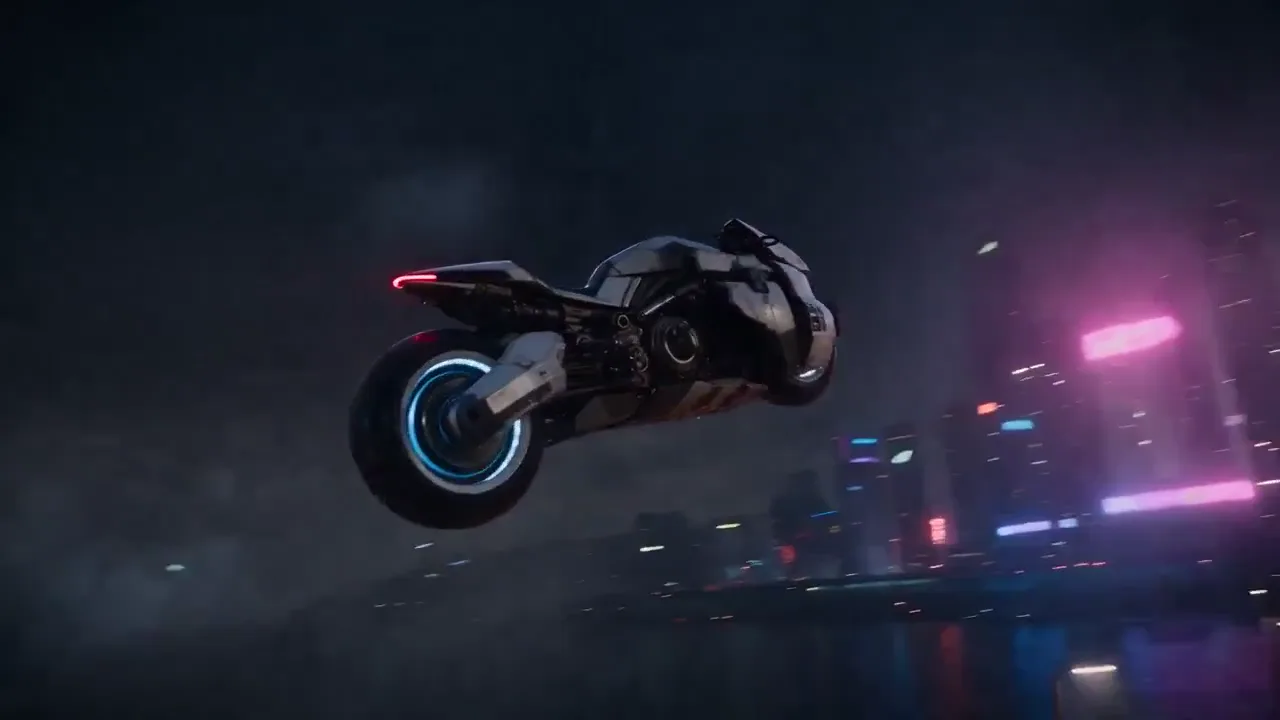
 A silent cinematic showreel of AI-generated scenes
Make the AI Trends Your Own
Pick a trending effect or start with your own prompt. Create AI videos and images with your favorite models.
Review cost before generating
0/500
AudioOn
45 credits for this generation
Checking generation availability…
Checking your sign-in status…
Trending nowSee all
AI MODELS
Choose the model behind your idea
Use a ready-made trend or pick the model you want to direct.
REFERENCE DIRECTIONS
Effect previews
Browse sample directions before you start.
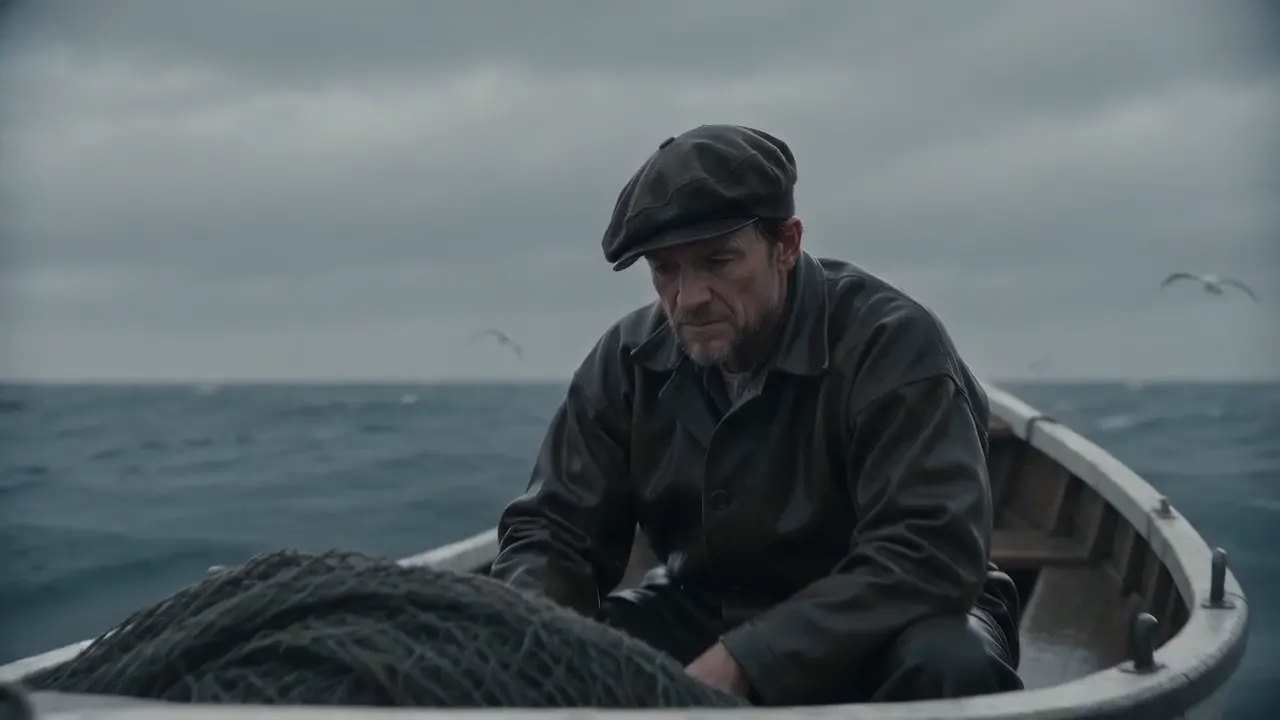
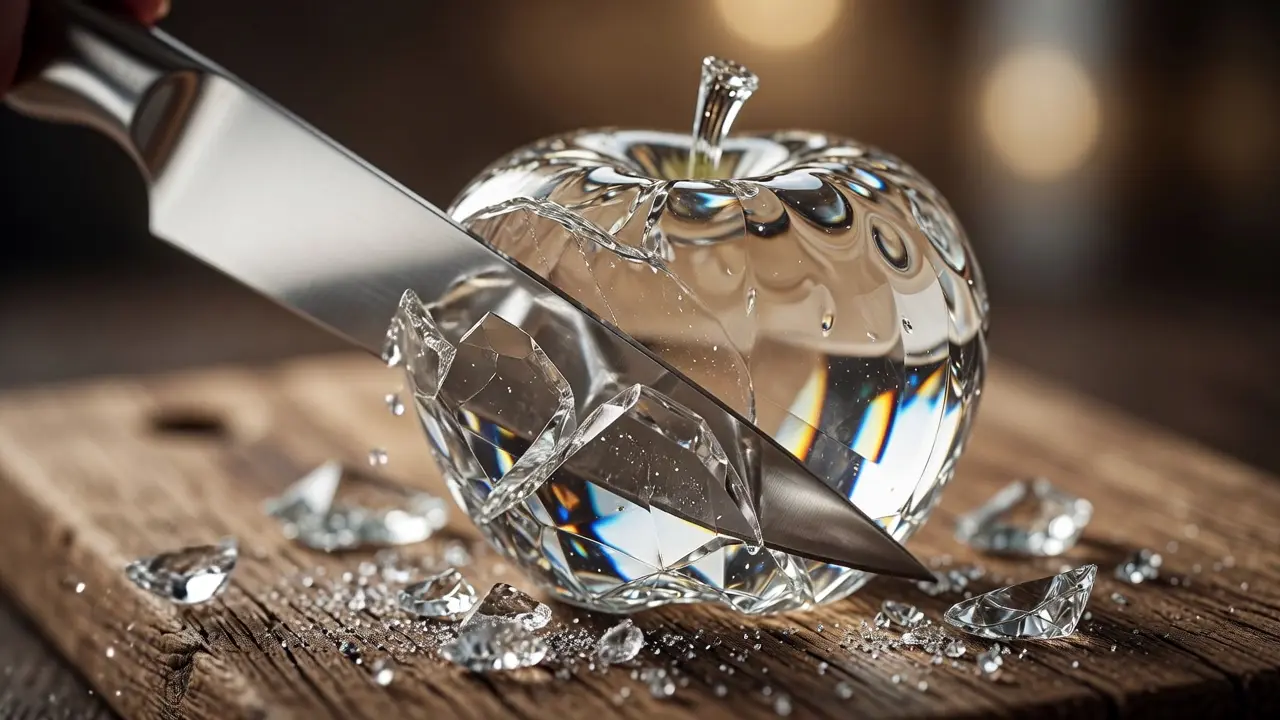
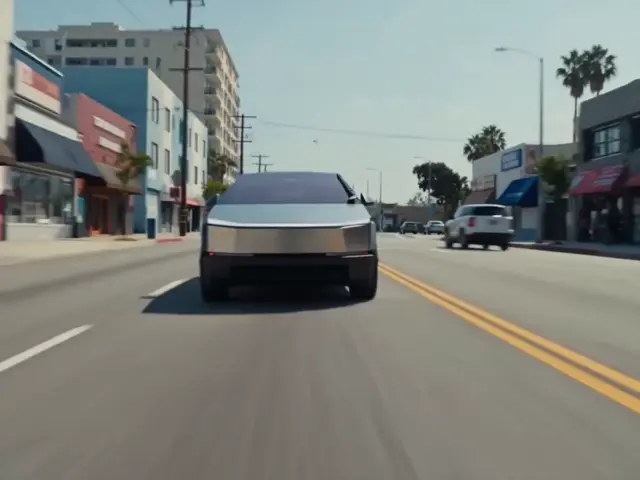
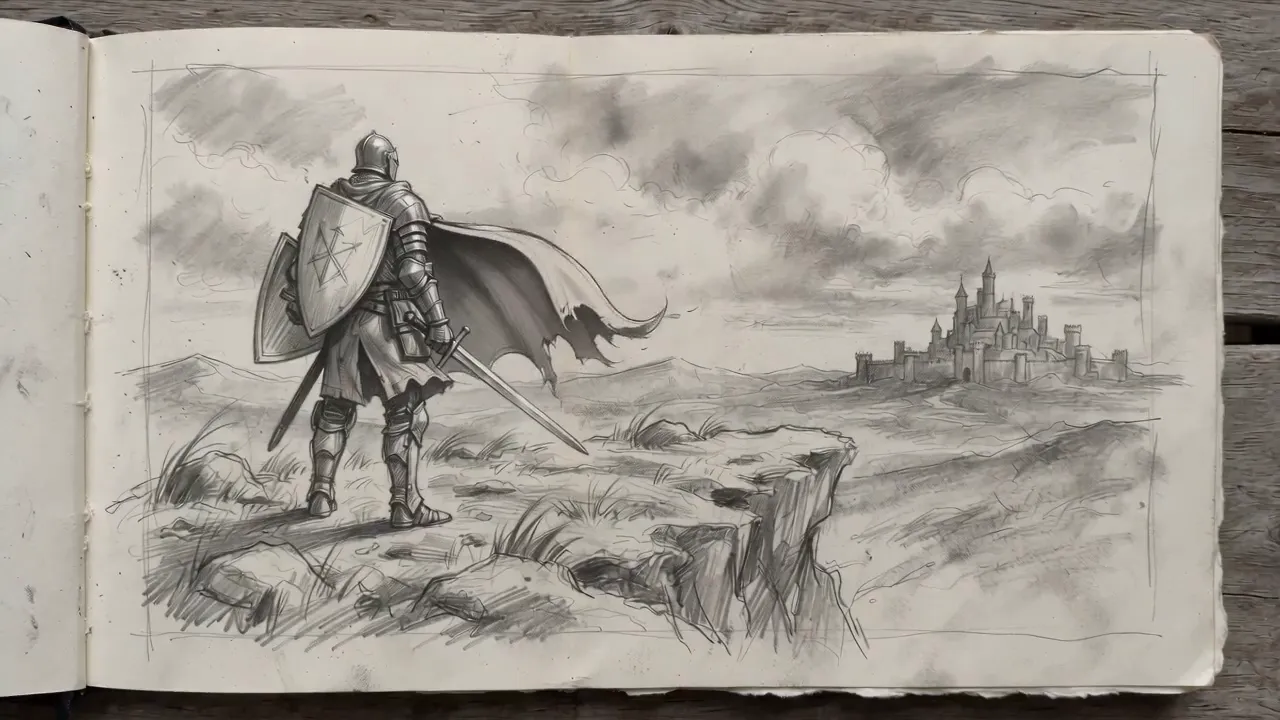
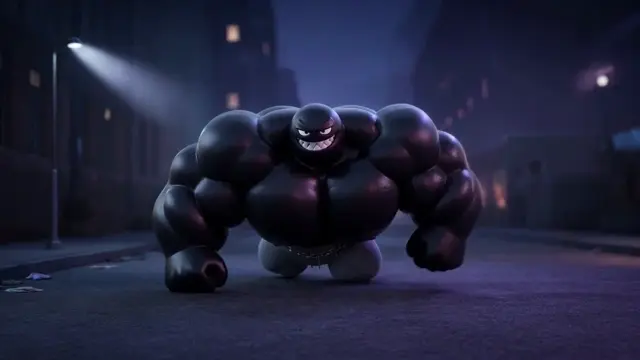
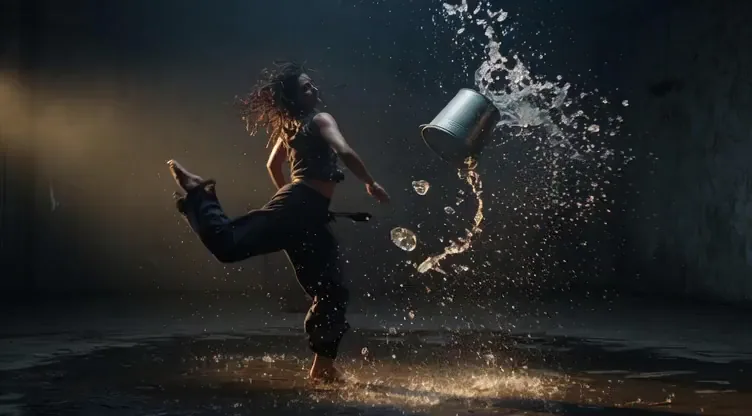
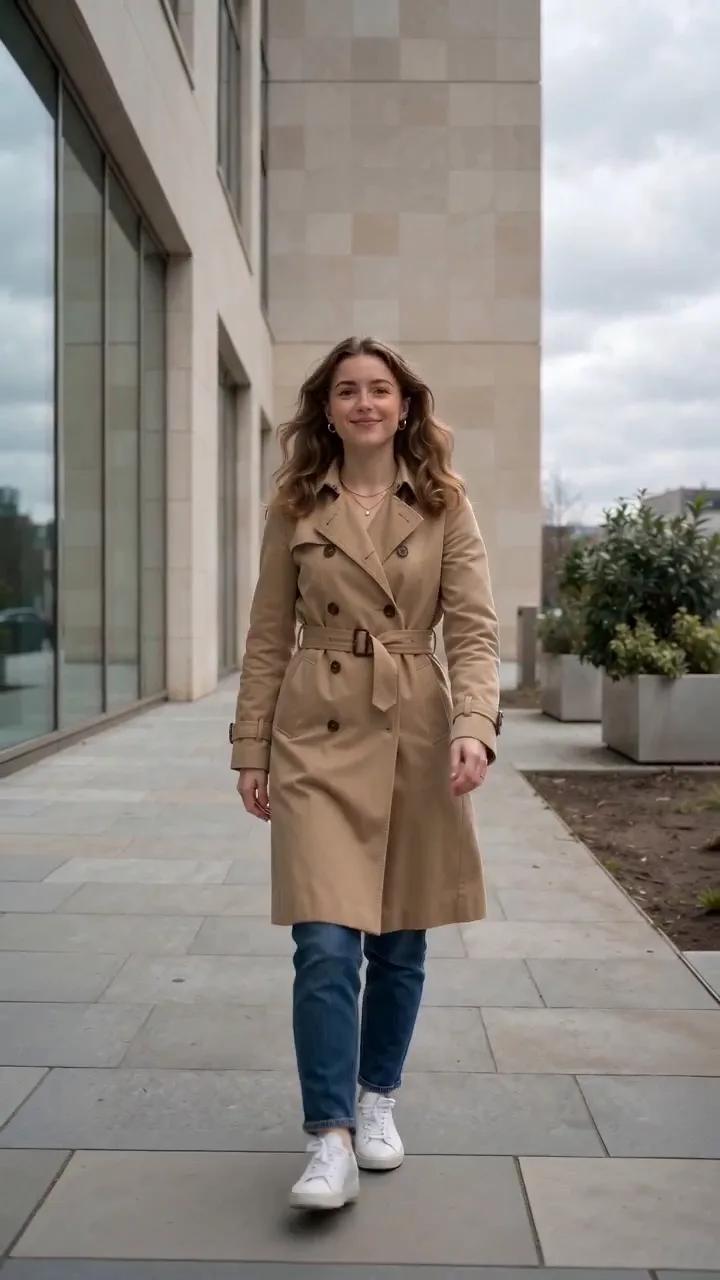
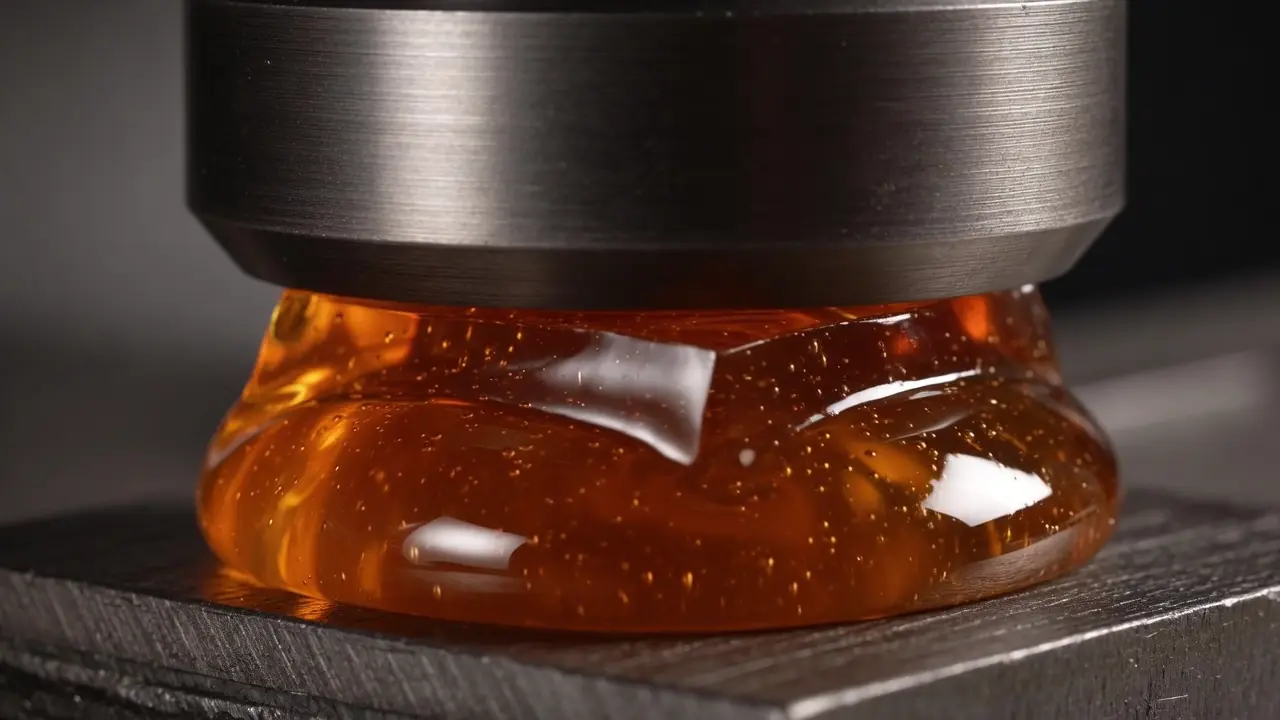
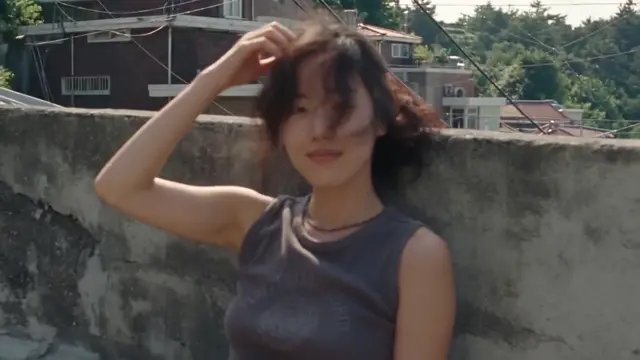
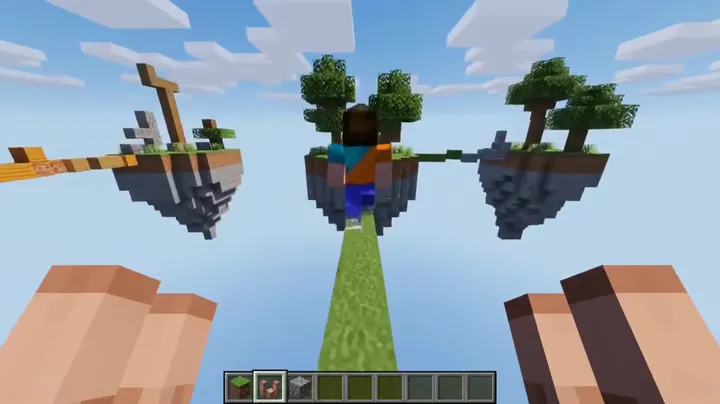
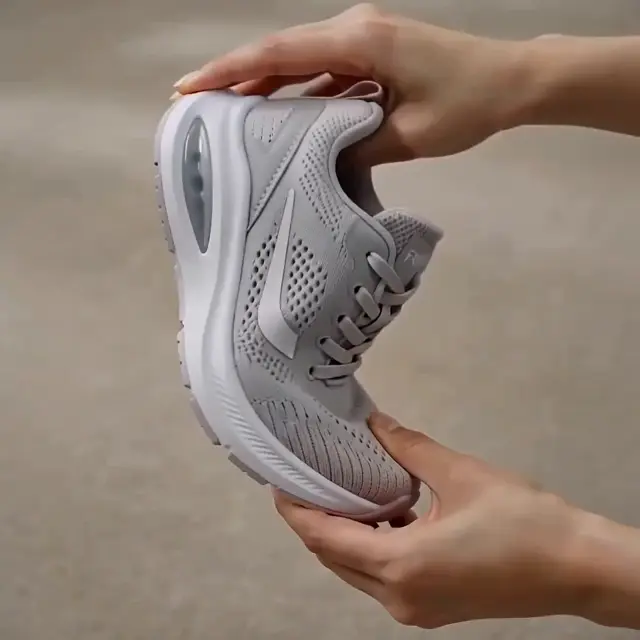
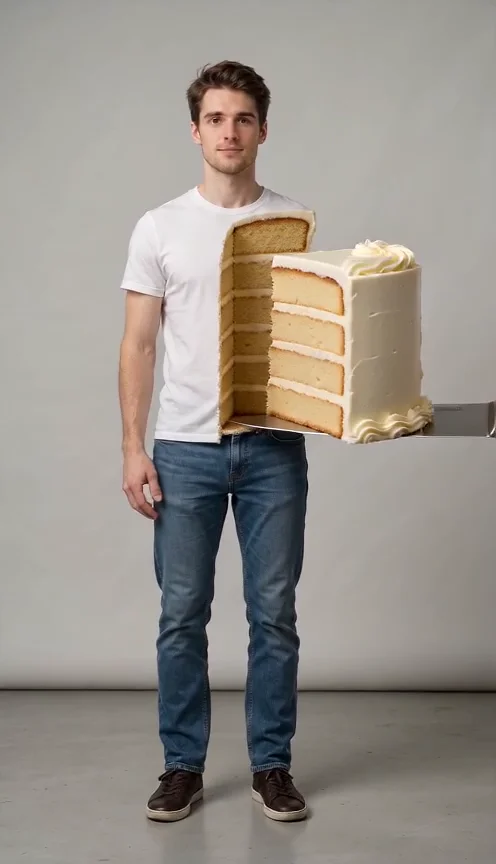
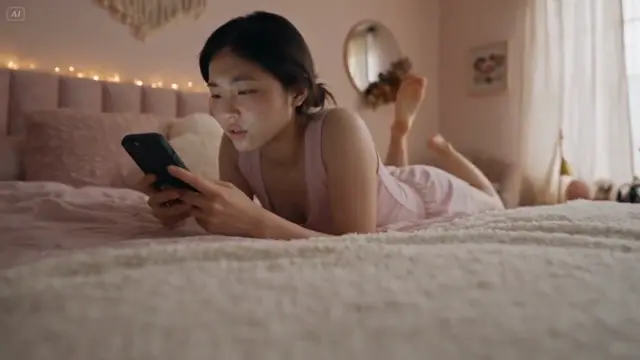
Ready-made AI tools
Ready-made effects
Start with a direction that already has a shape.
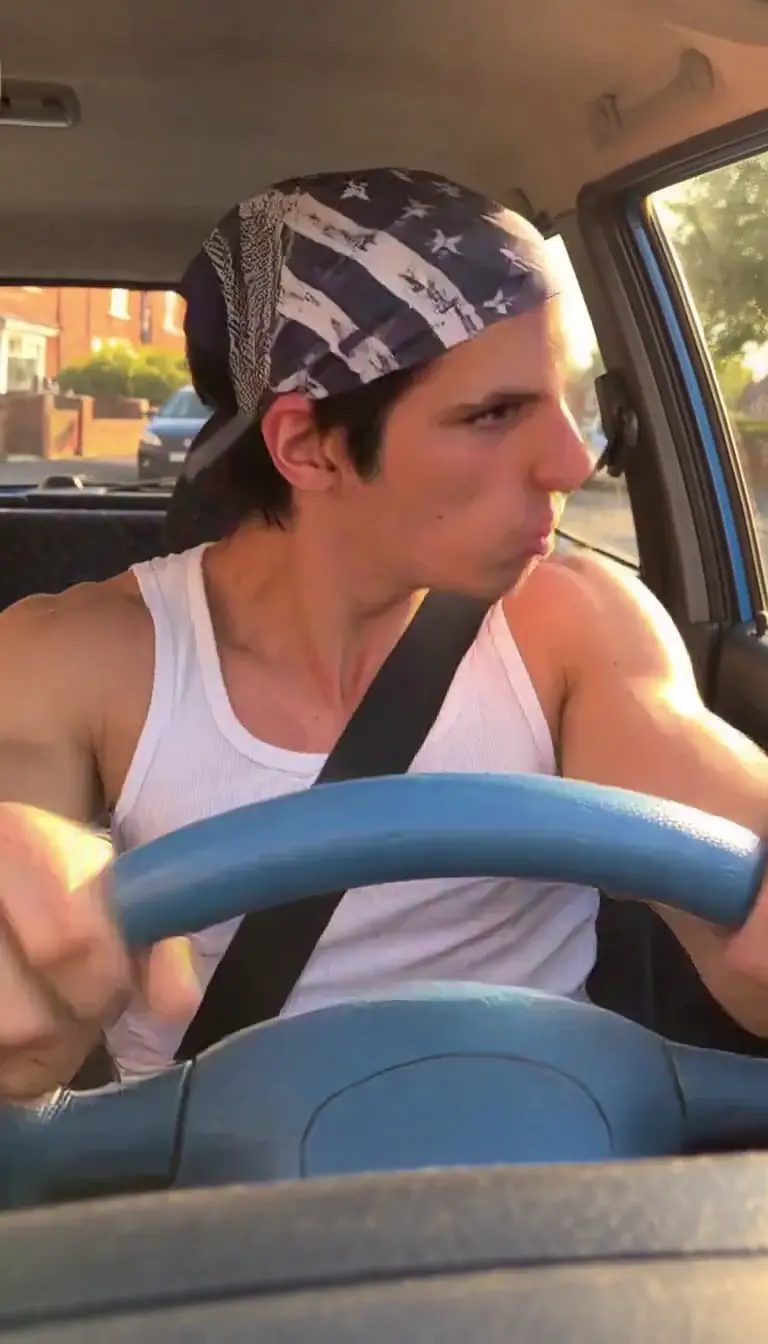
AI VIDEOAli G Driving Scene
A playful driving scene with a bold character beat.
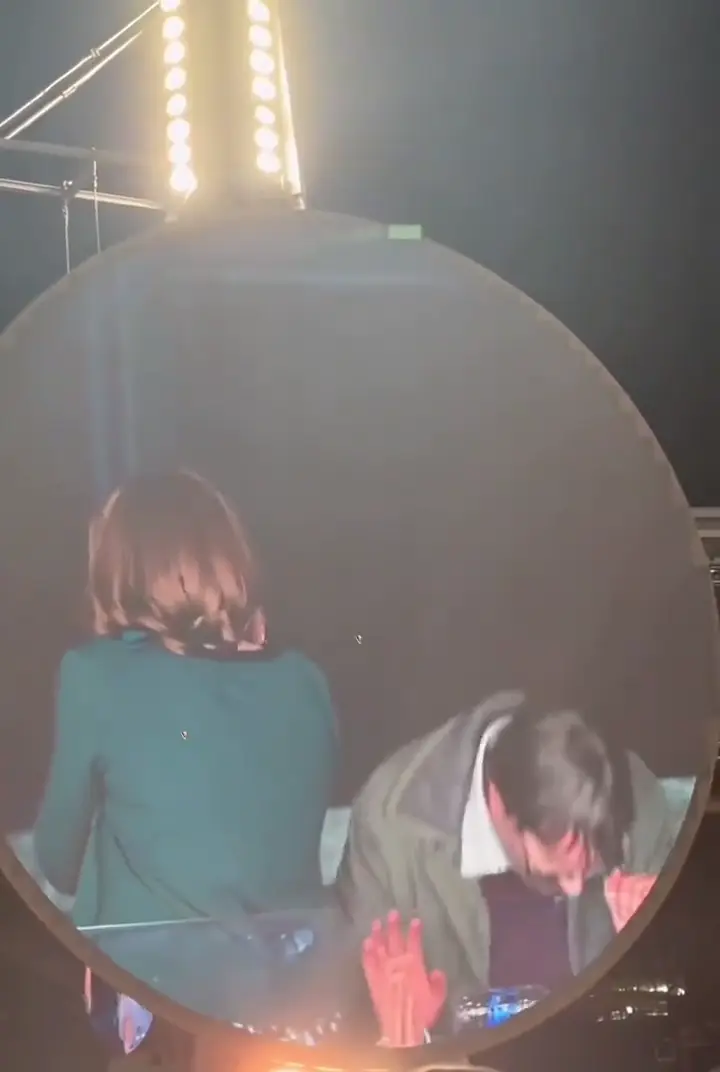
AI VIDEOColdplay Kiss Cam Generator
Turn a couple photo into a big-screen concert moment.

AI VIDEOABCDEFG I Need Money
A playful sofa scene for a bold money meme direction.

AI VIDEOBama Bound Trend
A group trend with a sign, a pose, and a cheer.
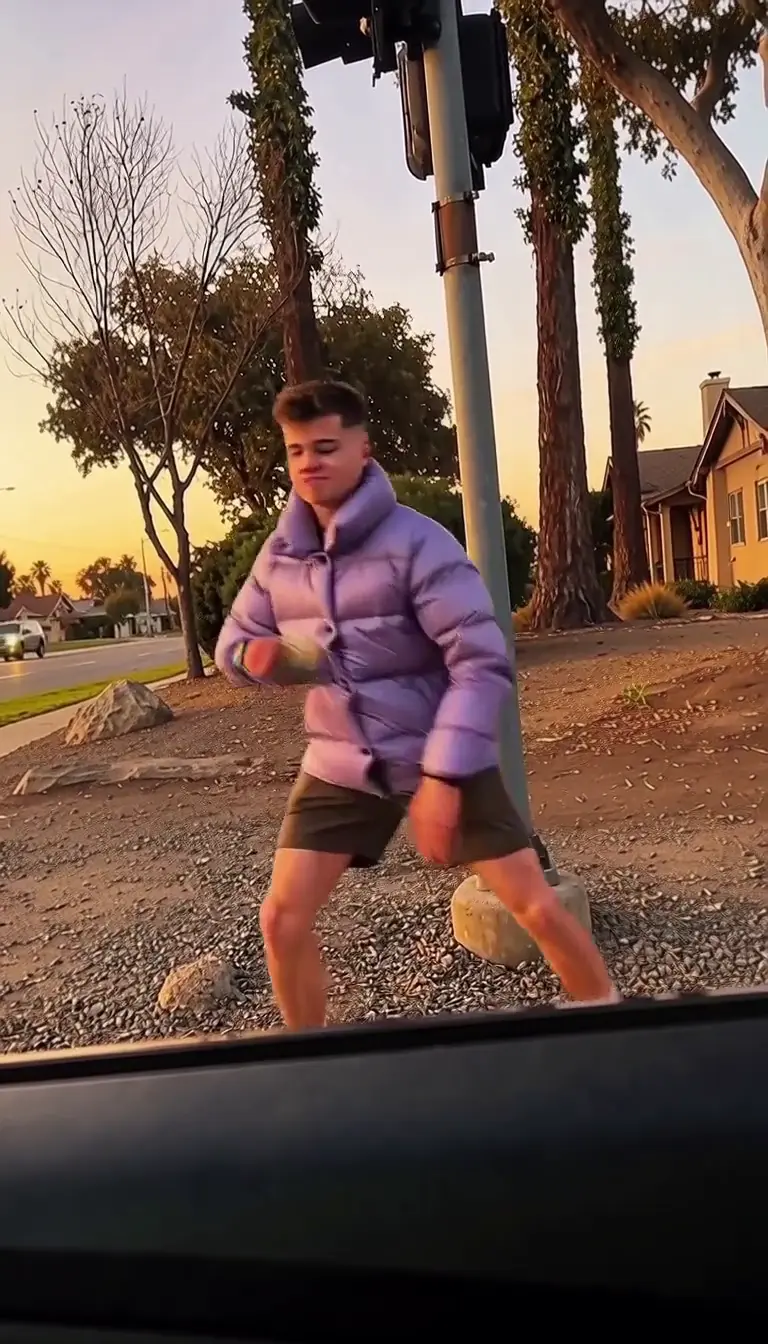
AI VIDEOPlug Walk AI Filter
Give a photo a confident, laid-back walk.
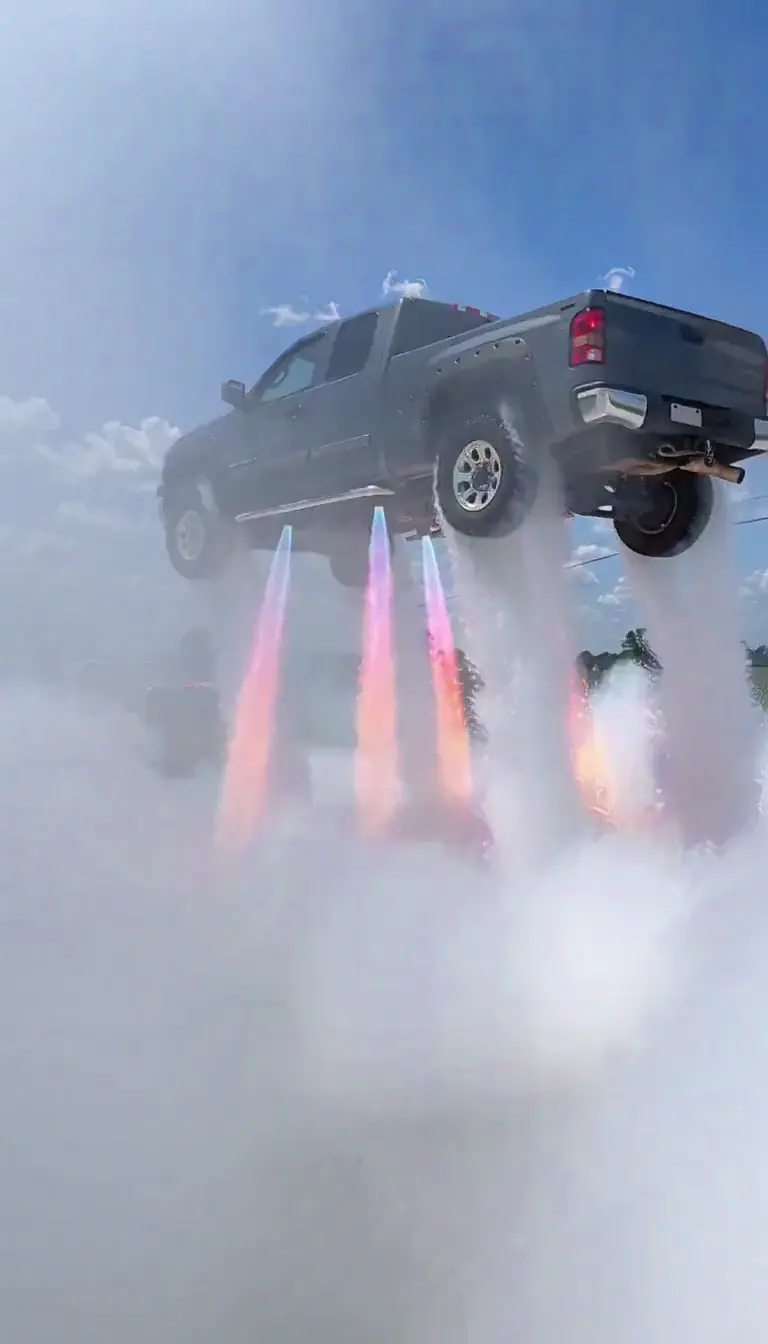
AI VIDEOFlying Car AI Video
Take a car photo above the city with a cinematic lift.
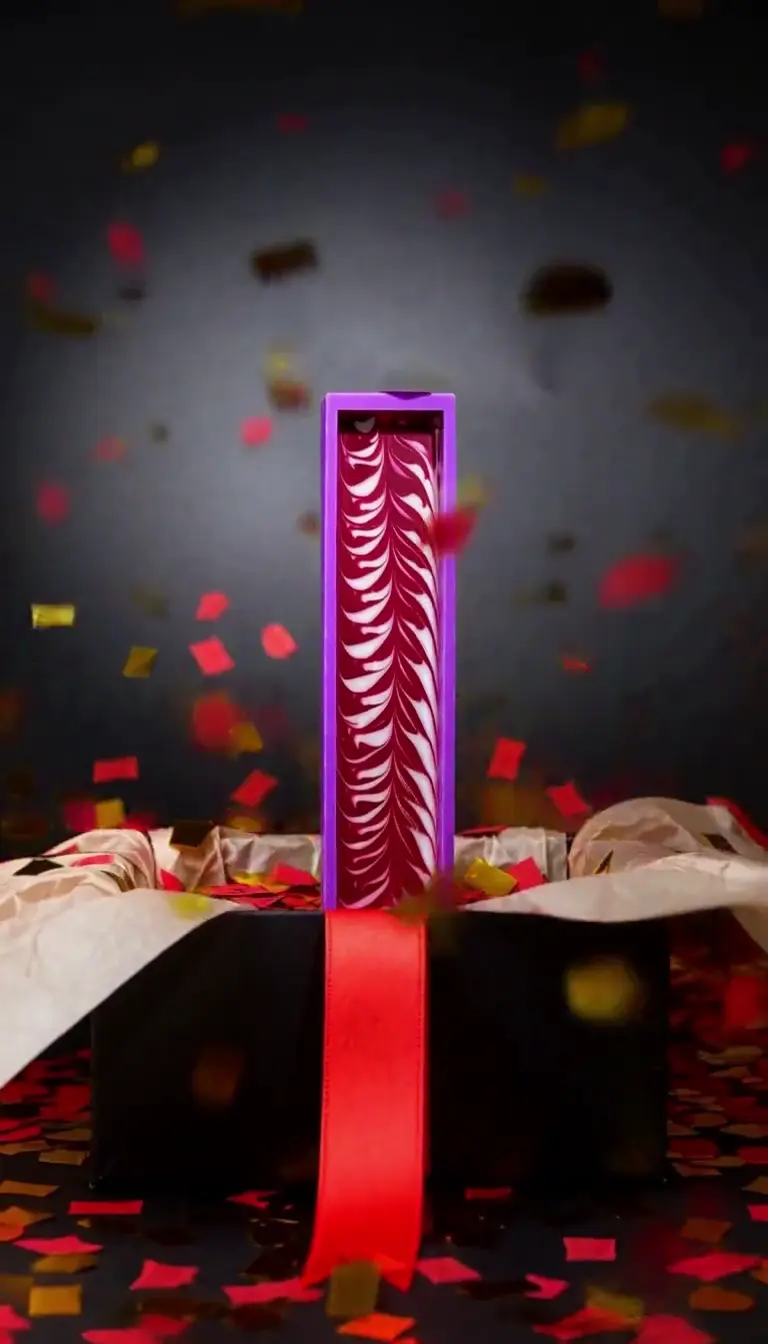
AI VIDEOBlack Friday Video Maker
A bold product scene for a seasonal sale.
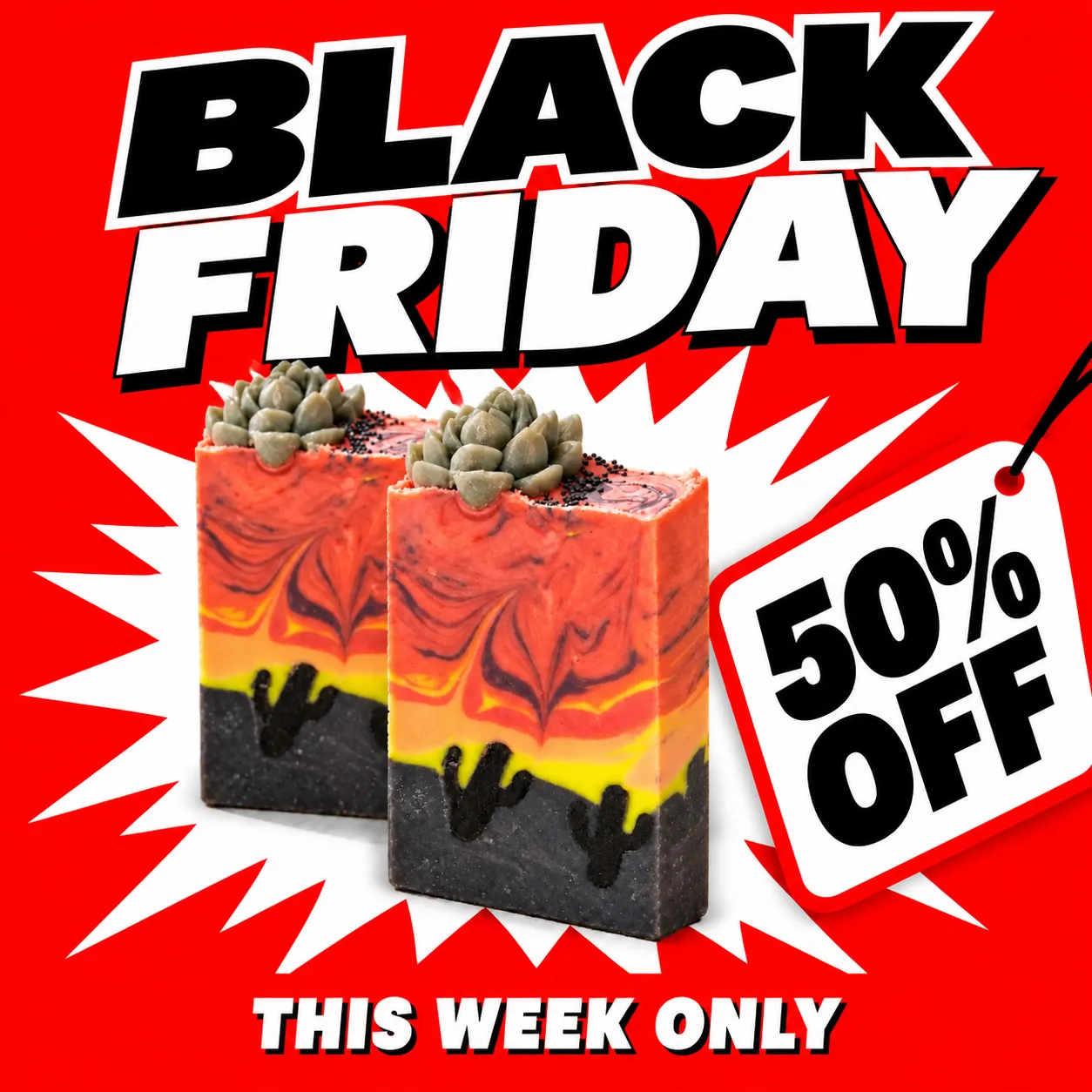
AI IMAGEBlack Friday Poster Maker
A clean promotional poster direction.
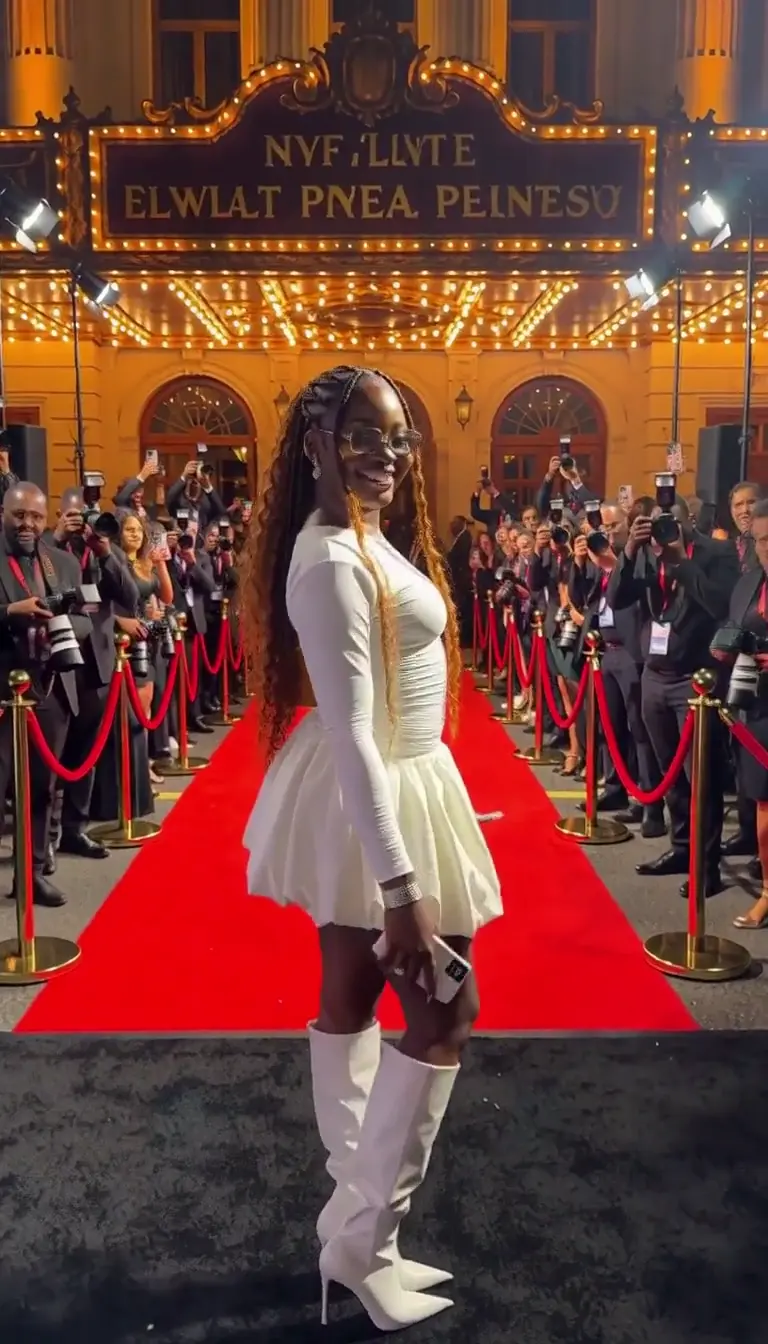
AI VIDEOPaparazzi Red Carpet AI Video
A premiere-night portrait with camera flashes.
AI VIDEODevil Wears Prada AI
A fashion editorial direction with a polished finish.
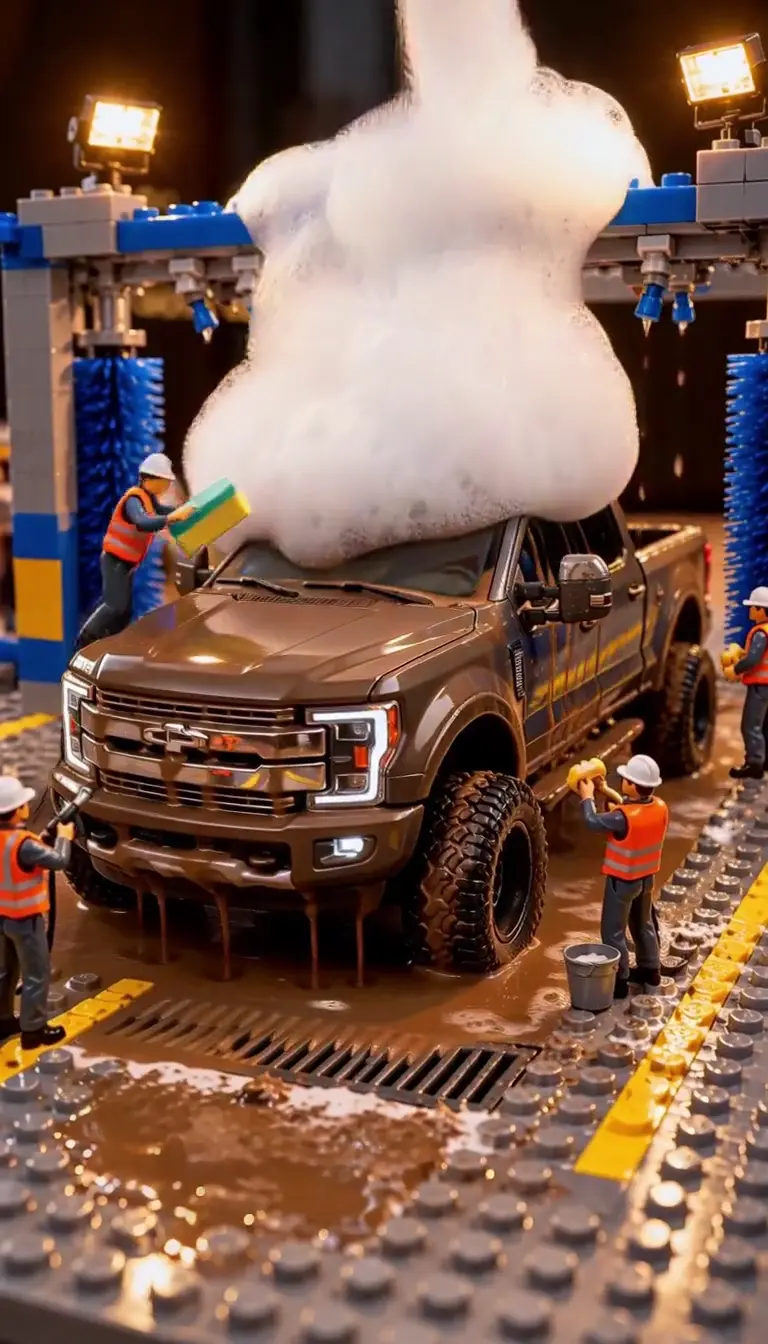
AI VIDEOLEGO Truck Wash AI Video
A tiny truck, bright foam, and playful motion.
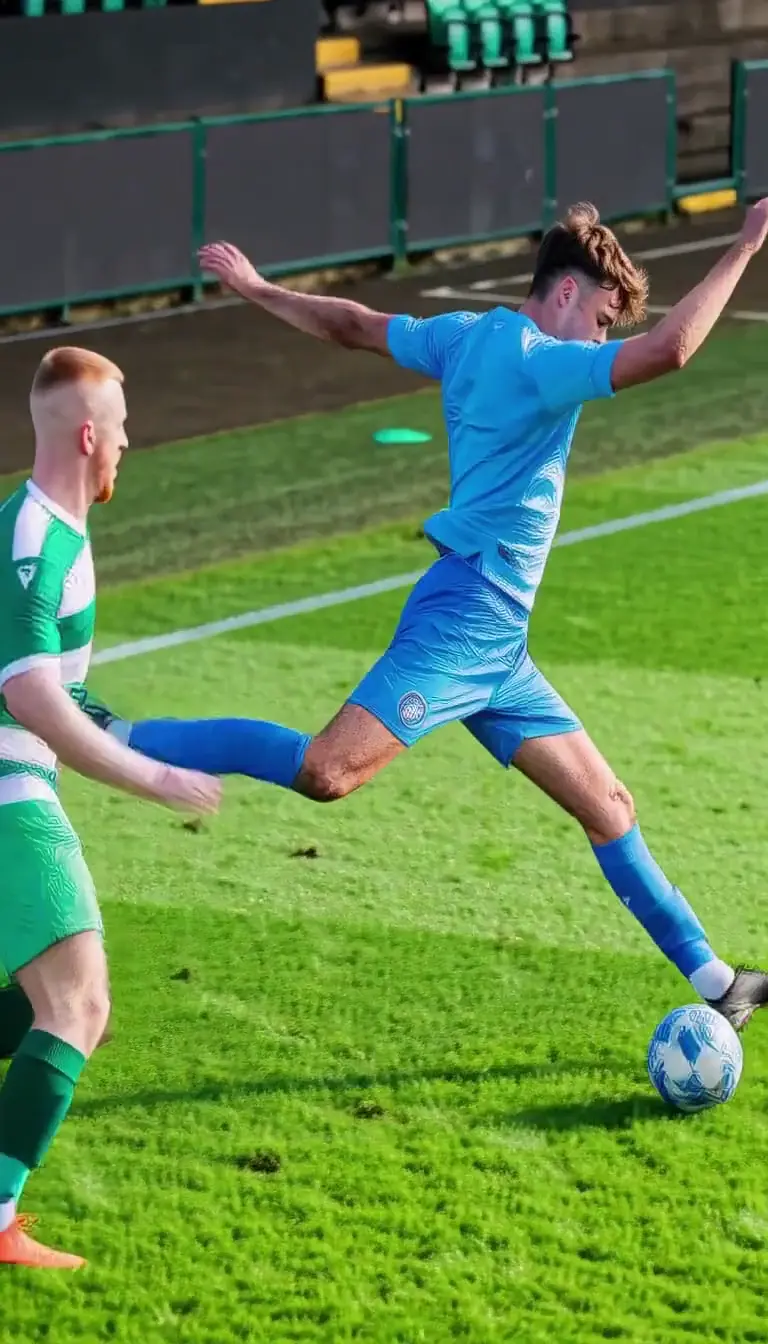
AI VIDEOLamine Yamal Rabona AI
A football action direction with a clean sky-blue frame.
Examples
Example gallery
Compare a few directions before you choose an effect.
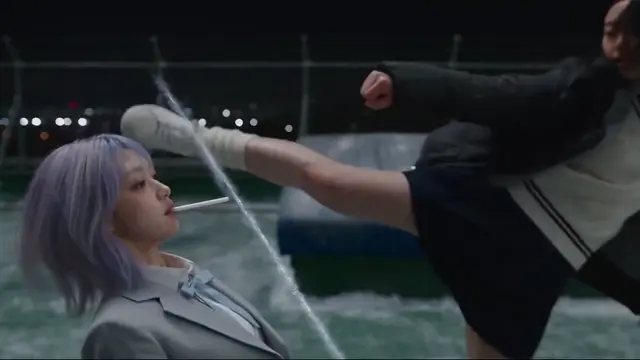
Anime Rooftop Duel
Viral-ready templates
What you can make with Virvy
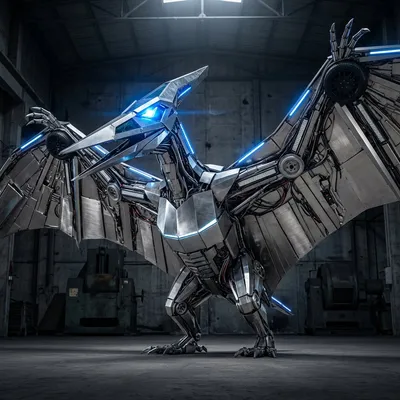
A new look for an ordinary photo.
Try a sketch, a clean product shot, or a seasonal design. Start with an image and choose the direction.
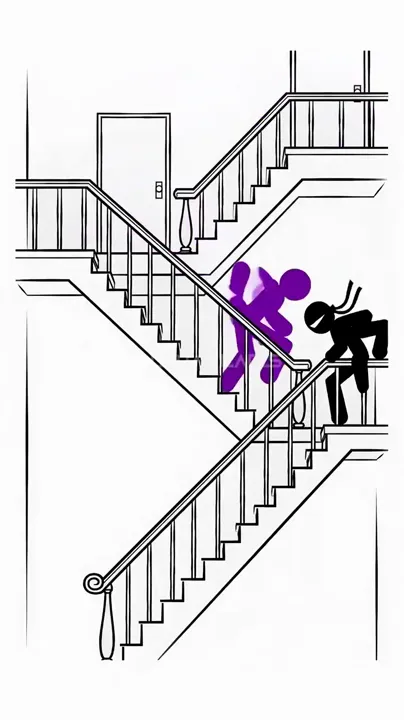
Motion with a stronger beat
Keep the prompt and preview close while you test a trend.
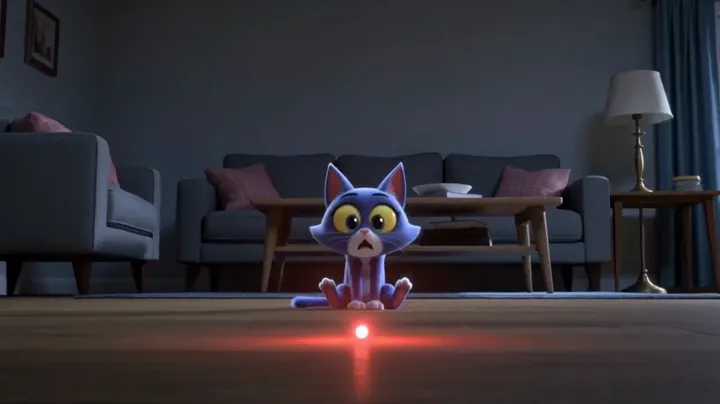
A cinematic finish
Review a polished reference before connecting production generation.
USE CASES
Put both generators to work
A small set of directions for products, stories, and experiments.
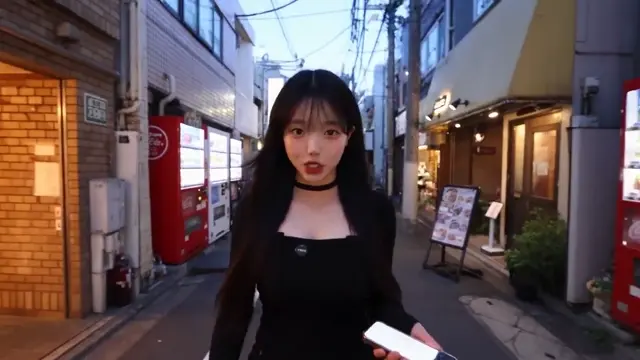
Food macro
Product and food details
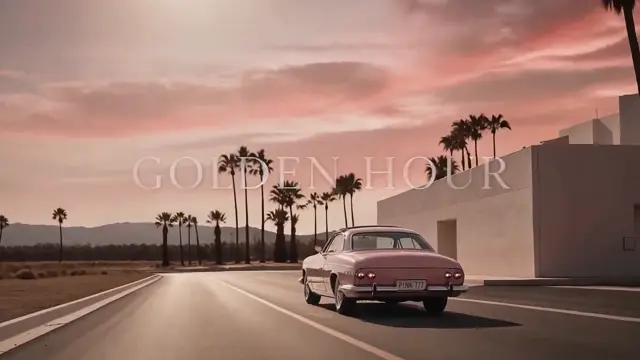
Product campaign
Campaign ideas
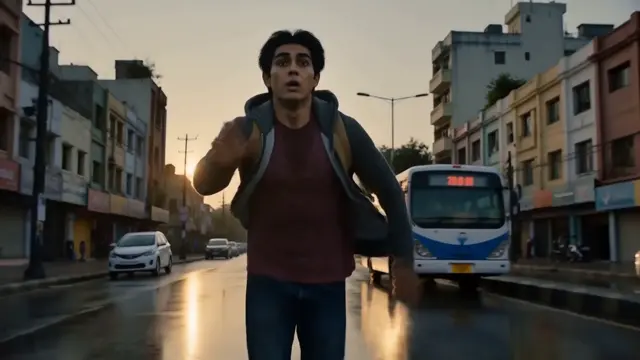
Social story
Short social stories
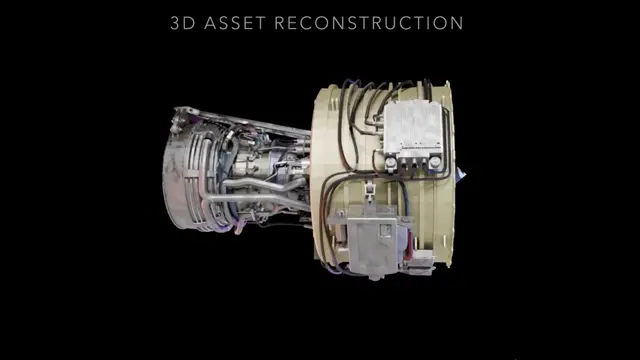
3D showcase
3D asset previews
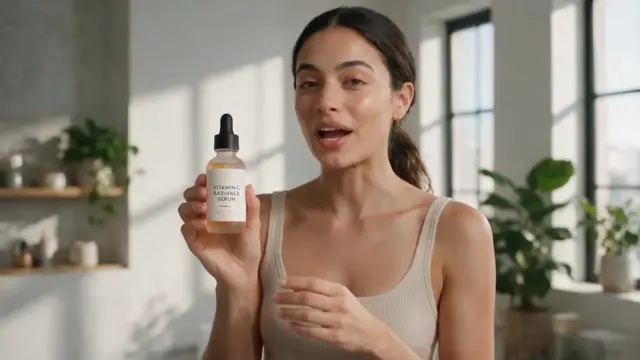
Presenter video
Presenter concepts
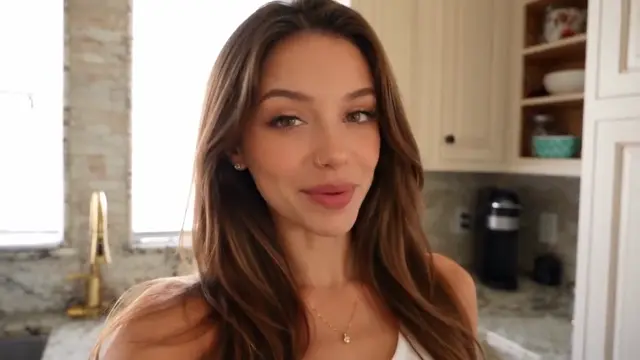
Birthday vlog
Celebration moments
THE WORKFLOW
How the workflow works
Four small decisions take you from a direction to a useful preview.
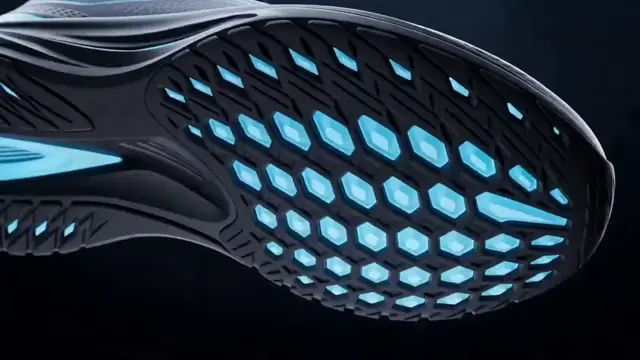
Pick an effect
Browse the samples and choose a starting point.
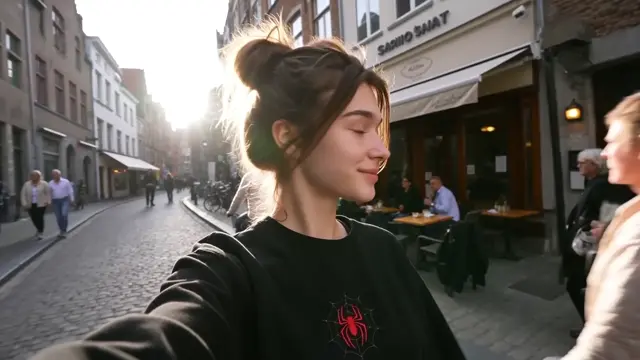
Make it yours
Add a photo, write a prompt, and choose your settings.
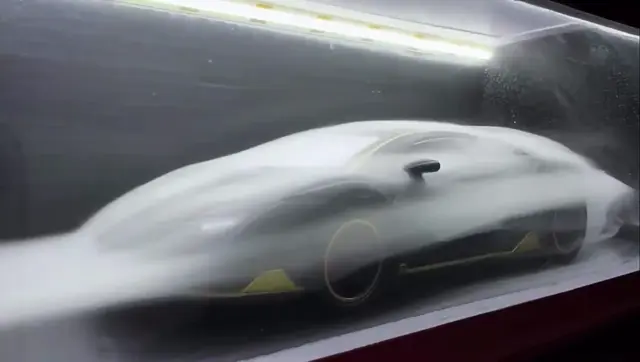
Check the preview
Explore a static sample. Real generation is coming later.
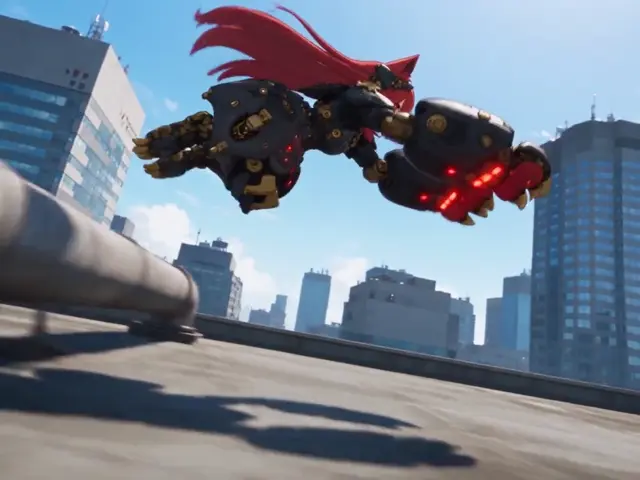
Review the preview
Decide what to make next.
THE WORKSPACE
A single place for image and video ideas
Use one balance, one prompt, and one clear next step.
AI VIDEO
Video generator
Turn a direction into a moving reference.
AI IMAGE
Image generator
Make the visual direction concrete before production.
Keep the idea moving
Switch between visual directions without losing the input that made the idea useful.
✓One visible prompt
✓Clear effect presets
✓A preview you can judge
VIRVY AT A GLANCE
One workspace for the effects you want to try
Keep image and video directions together while the preview experience is being validated.
12EFFECTS
14MODELS
2GENERATORS
1WORKSPACE
One shared credit balance
One-time credit packs
Use credits across supported image and video tools.
One shared credit balanceUse credits across supported image and video tools.
Effect Starter
$9.99
1,200 credits, one-time
- Prompt examples
- Never expires
Creator Pack
$19.90
3,000 credits, one-time
- Prompt examples
- Save and reuse presets
- Never expires
Studio Pack
$29.90
5,000 credits, one-time
- Prompt examples
- Save and reuse presets
- Batch generation queue
- Never expires
Pay safely and securely with







Payments are processed securely by Stripe. Available methods depend on your country, device and checkout eligibility.
FAQ
A few things to know.
READY WHEN YOU ARE
What will you make next?
Start with a photo, an idea, or an effect you like.