Write one scene
Keep the location, subject and intended action in the same short brief.
Plan Gemini video scenes with Gemini Omni 1.1 Flash. Start from one visible action and refine the framing, camera movement and final beat.
180 credits for this generation
Checking generation availability…
Checking your sign-in status…
Explore image and video models in one place. Choose another model to compare the same idea and find the right look.
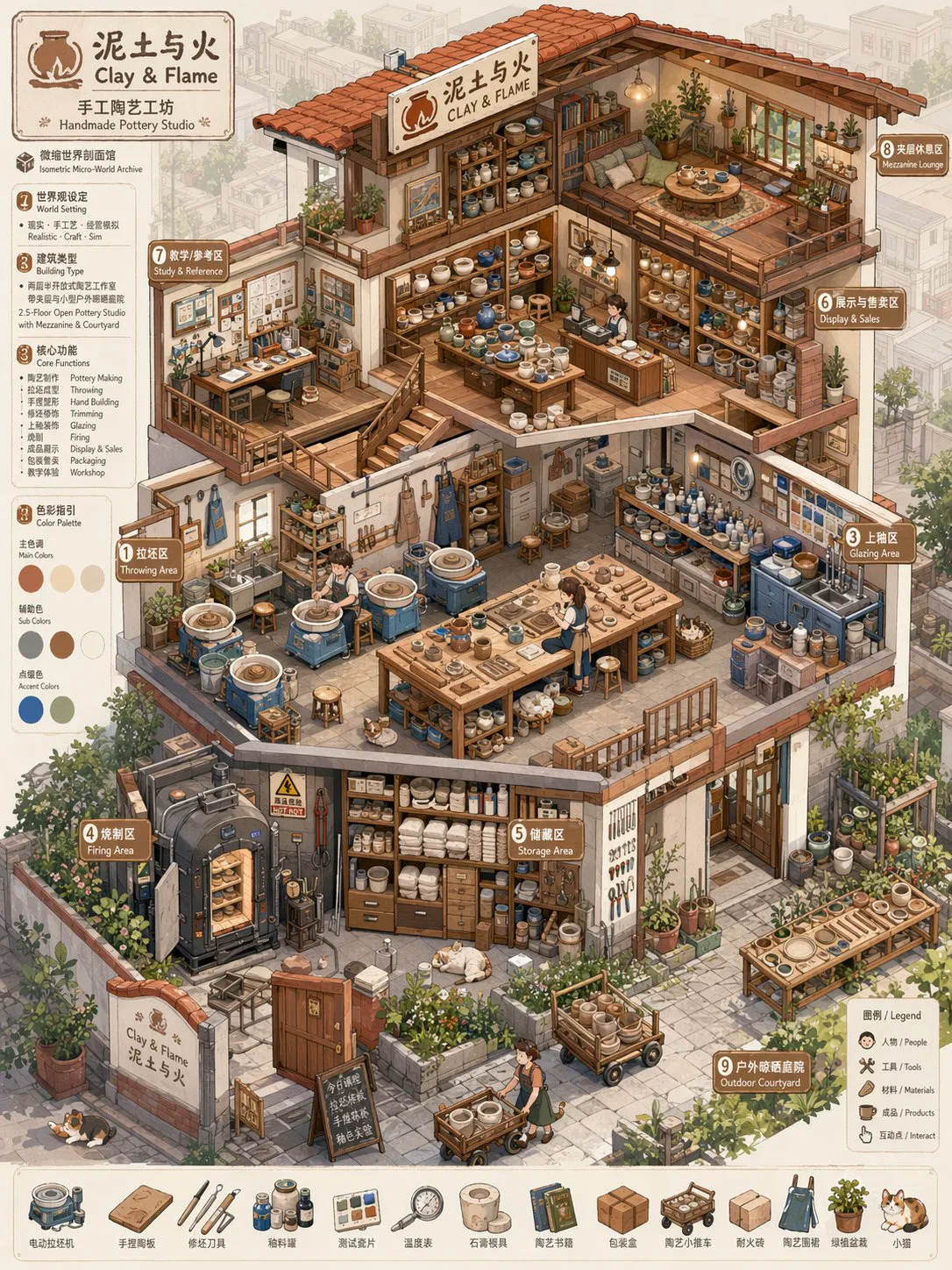
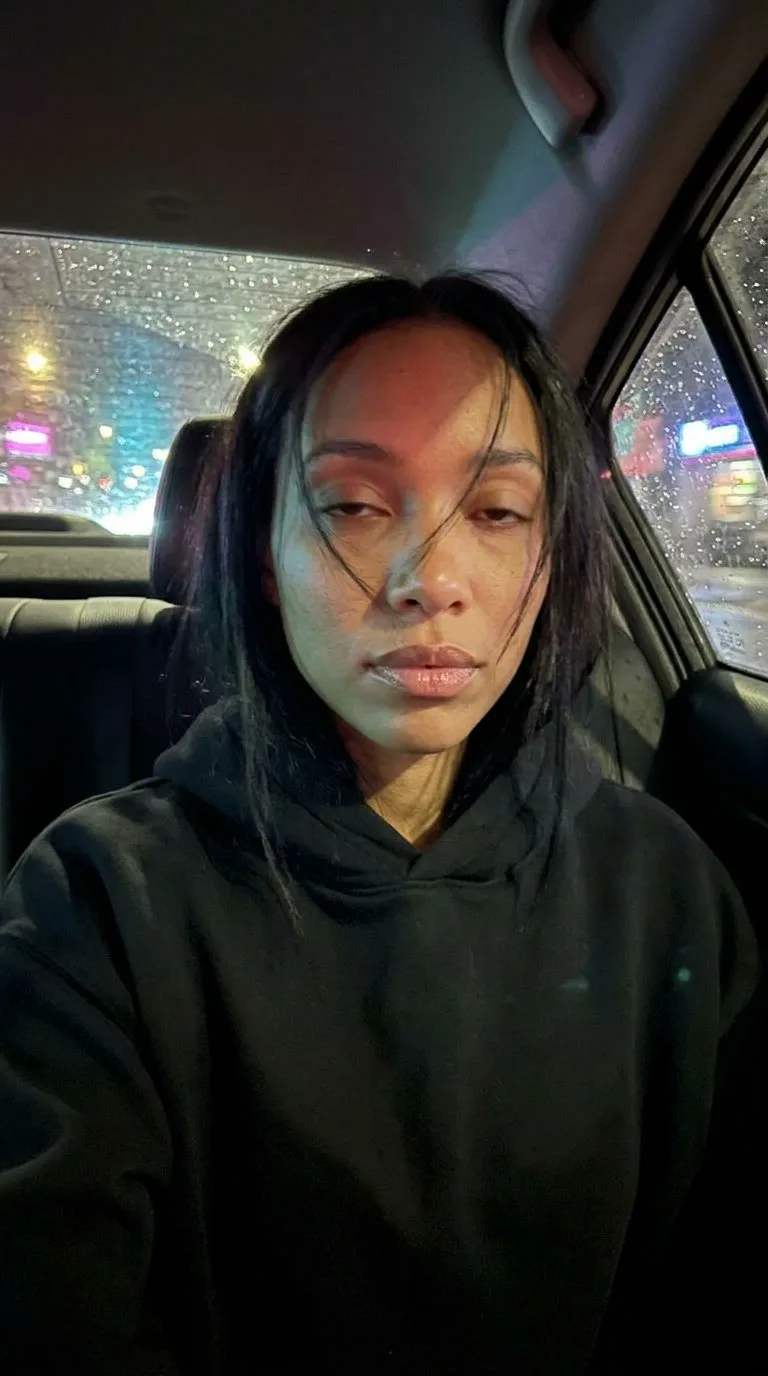
Illustrative references for composition and scene planning.

Keep the request concrete enough to review before refining it.
Keep the location, subject and intended action in the same short brief.
State whether the view is locked, follows the subject or moves between two clear positions.
Mention wardrobe, lighting and background elements that should remain recognizable.
Check motion, framing and continuity against your original brief.
Review the model options and prompt ideas before building a production workflow.
GEMINI OMNI 1.1 FLASH ON VIRVY
Write the scene or image you want to explore with Gemini Omni 1.1 Flash.
Review only the resolution and duration metadata shown for this model.
Provider support and any live price must be verified before a real task.
Creative task ideas for a Gemini prompt.
A student finds a note in an old library book, follows its hand-drawn clue to a window and sees the city lights come on. Prompt study for Gemini Omni 1.1 Flash; keep the brief focused on one main visual idea.

A child opens a garden gate, spots a paper kite caught in a tree and carefully frees it before the wind returns. Prompt study for Gemini Omni 1.1 Flash; keep the brief focused on one main visual idea.
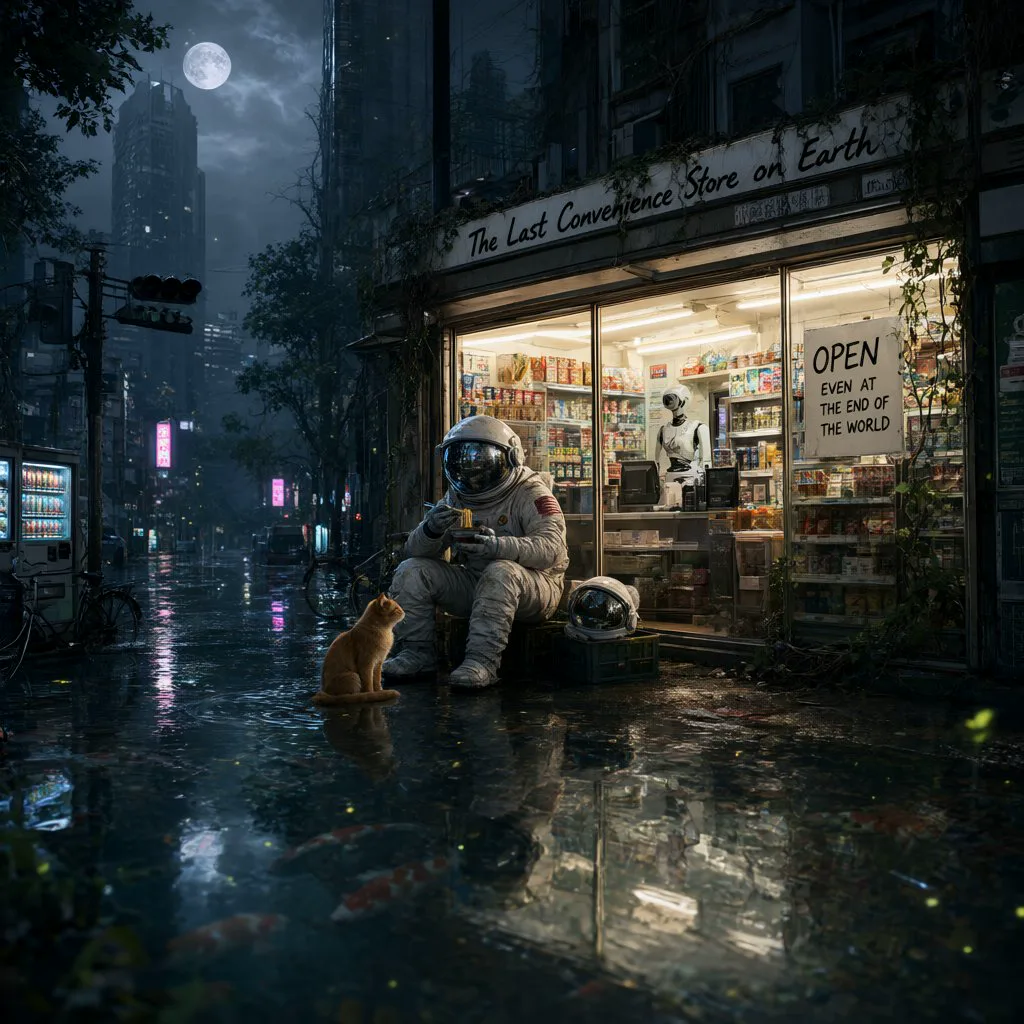
A musician packs away an instrument after rehearsal, hears a melody from the hall and turns back toward the open door. Prompt study for Gemini Omni 1.1 Flash; keep the brief focused on one main visual idea.
Adapt these original concepts to your own brief.
A short scene prompt starter.
A student finds a note in an old library book, follows its hand-drawn clue to a window and sees the city lights come on. Prompt study for Gemini Omni 1.1 Flash; keep the brief focused on one main visual idea.
A short scene prompt starter.
A child opens a garden gate, spots a paper kite caught in a tree and carefully frees it before the wind returns. Prompt study for Gemini Omni 1.1 Flash; keep the brief focused on one main visual idea.
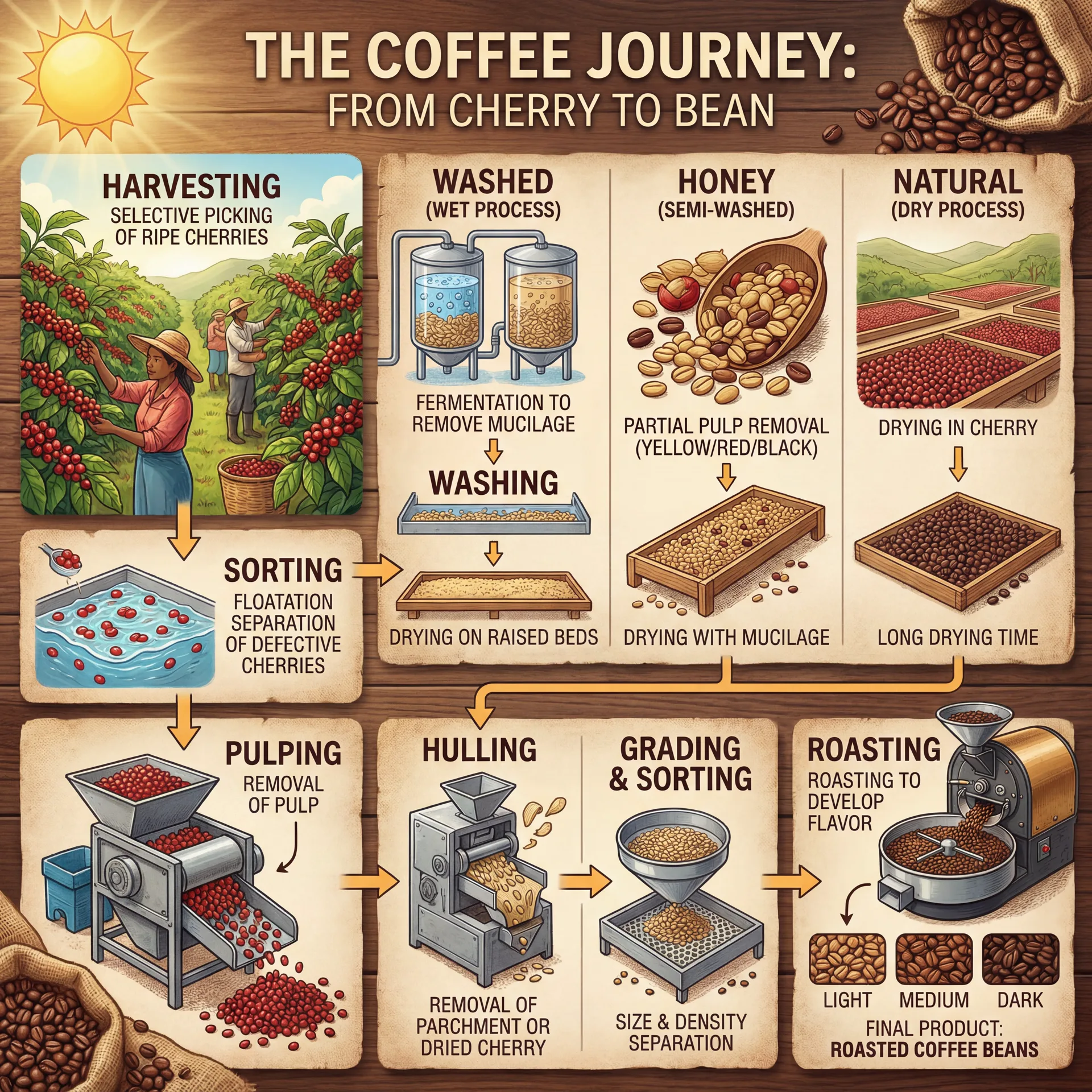
A short scene prompt starter.
A musician packs away an instrument after rehearsal, hears a melody from the hall and turns back toward the open door. Prompt study for Gemini Omni 1.1 Flash; keep the brief focused on one main visual idea.
Compare models using the same creative brief and the options listed on each page.
Same media type · listed resolutions: 480p, 720p, 1080p.
Explore this modelSame media type · listed resolutions: 480p, 768p.
Explore this modelSame media type · listed resolutions: 720p, 1080p, 4K.
Explore this modelAnswers reflect the current model catalog; request a quote for current generation availability.
Gemini Omni 1.1 Flash is listed as an video model in the current Virvy model catalog. Its canonical model identifier is google/gemini-omni-1.1-flash.
Request the current quote from the generator and confirm it before a task is submitted. If generation is unavailable, the page will say so and will not submit a task.
The observed model catalog lists 720p, 1080p, 4K. Check the provider before relying on these options for a live run.
A duration range is not recorded in the current catalog for this model.
The generator shows the current quote and maximum USD cost before submission. No task starts until you confirm that quote.
No. They are locally stored illustrative references for discussing composition and prompt ideas, not verified outputs from this model or from Virvy.
Yes. They are original starting points; adapt the subject, framing and details to your own project and verify the result in a connected provider workflow.
The display metadata was checked against the provider listing at https://yir.ai/zh/models/gemini-omni-1-1-flash. Provider options can change over time.
Use the prompt starters to shape a brief, then verify provider access and current options before production use.