





Write time-coded beats
Use one line for each time range, including action, camera movement and dialogue.

A single prompt can carry a full scene, a consistent character and an original soundtrack for up to thirty seconds.
620 credits for this generation
Checking generation availability…
Checking your sign-in status…
Explore image and video models in one place. Choose another model to compare the same idea and find the right look.
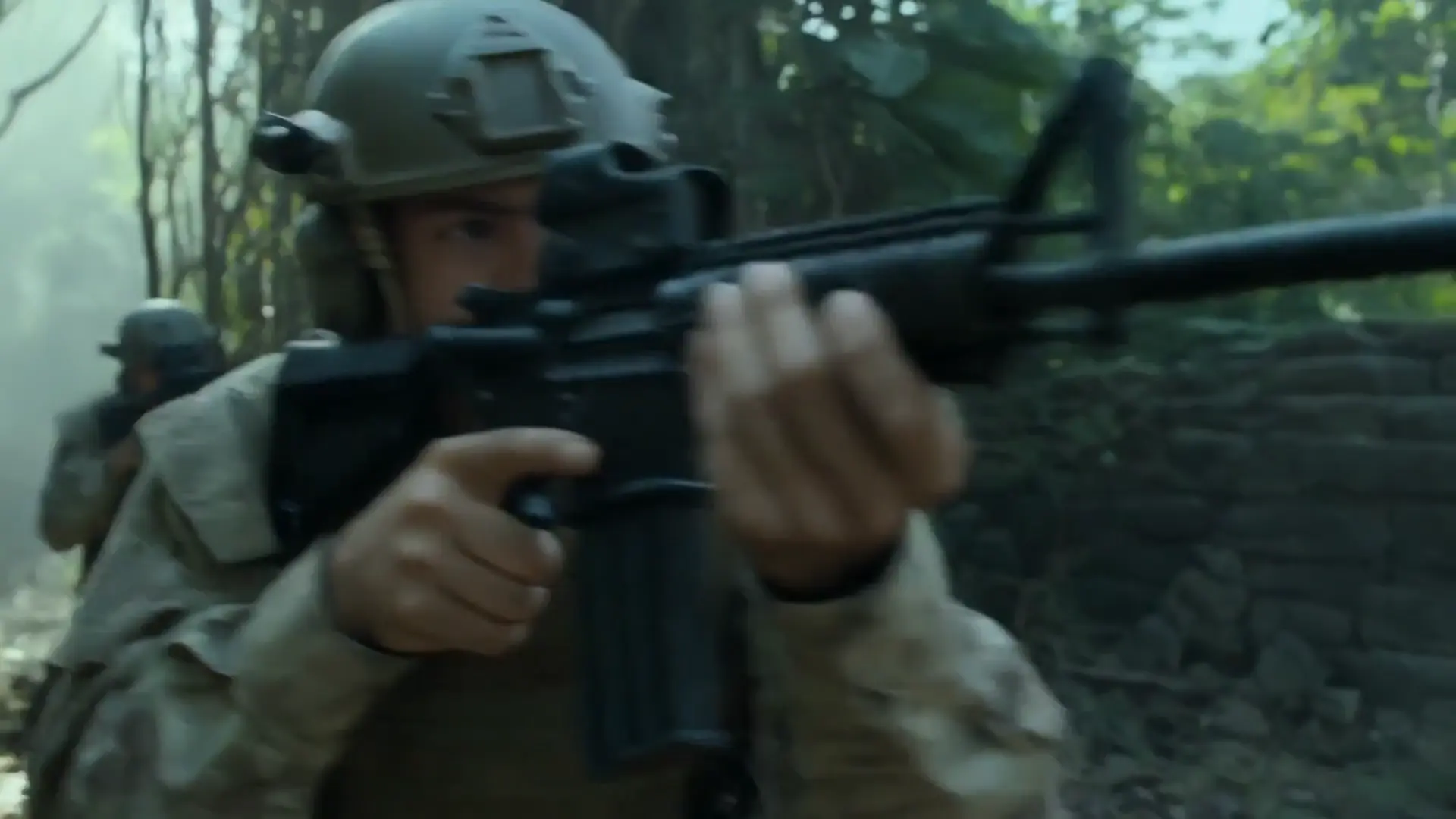
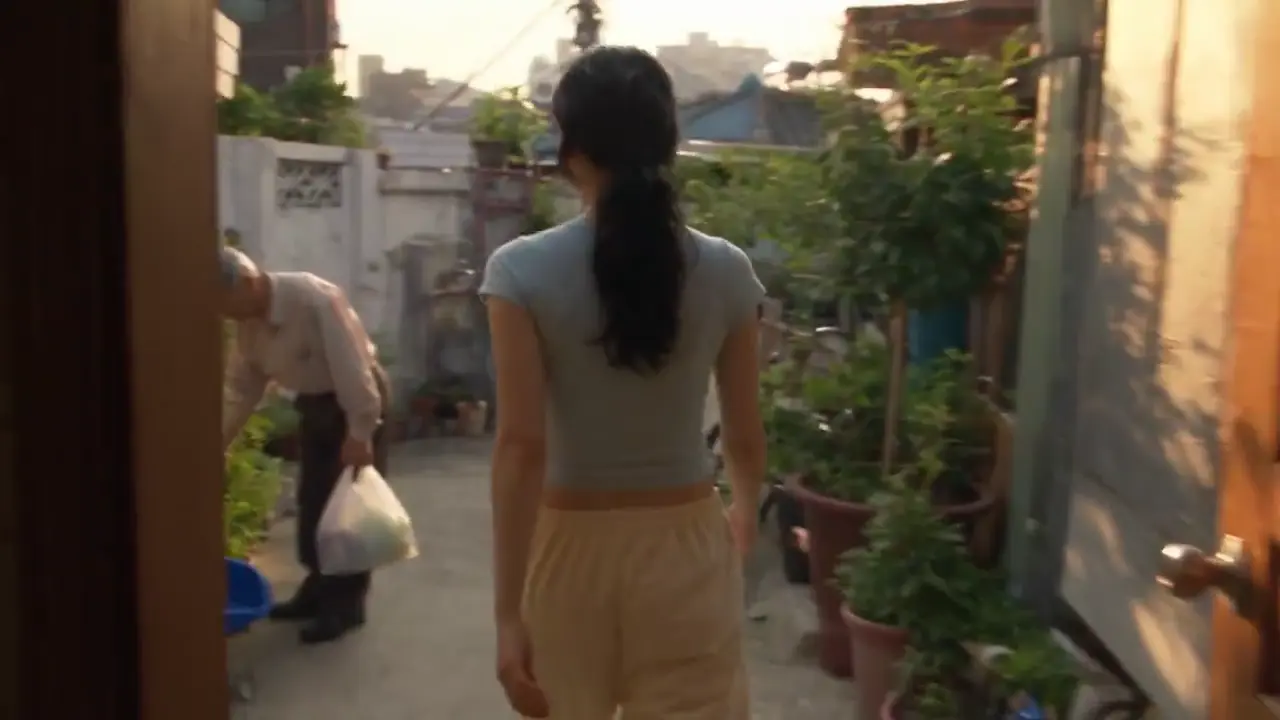
Three reference clips show the range of one-take scenes. They are examples, not Virvy customer work.
A practical four-step prompt structure for longer, more coherent clips.
Use one line for each time range, including action, camera movement and dialogue.
Keep the visible action simple so the camera has room to carry it.
Repeat the same face, wardrobe and reference details in every shot.
Name ambience, music or dialogue in positive terms.
Review the current quote and confirm before submitting a task. If generation is unavailable, no task is submitted.

SEEDANCE 2.5 ON VIRVY
Start with a scene description or a small set of visual references.
The reference model is presented as a scene-first workflow.
Select a model and settings to see the platform-credit quote. The quote is checked again before you confirm generation.
Reference notes based on the observed model page, not a claim that Virvy has enabled the provider.
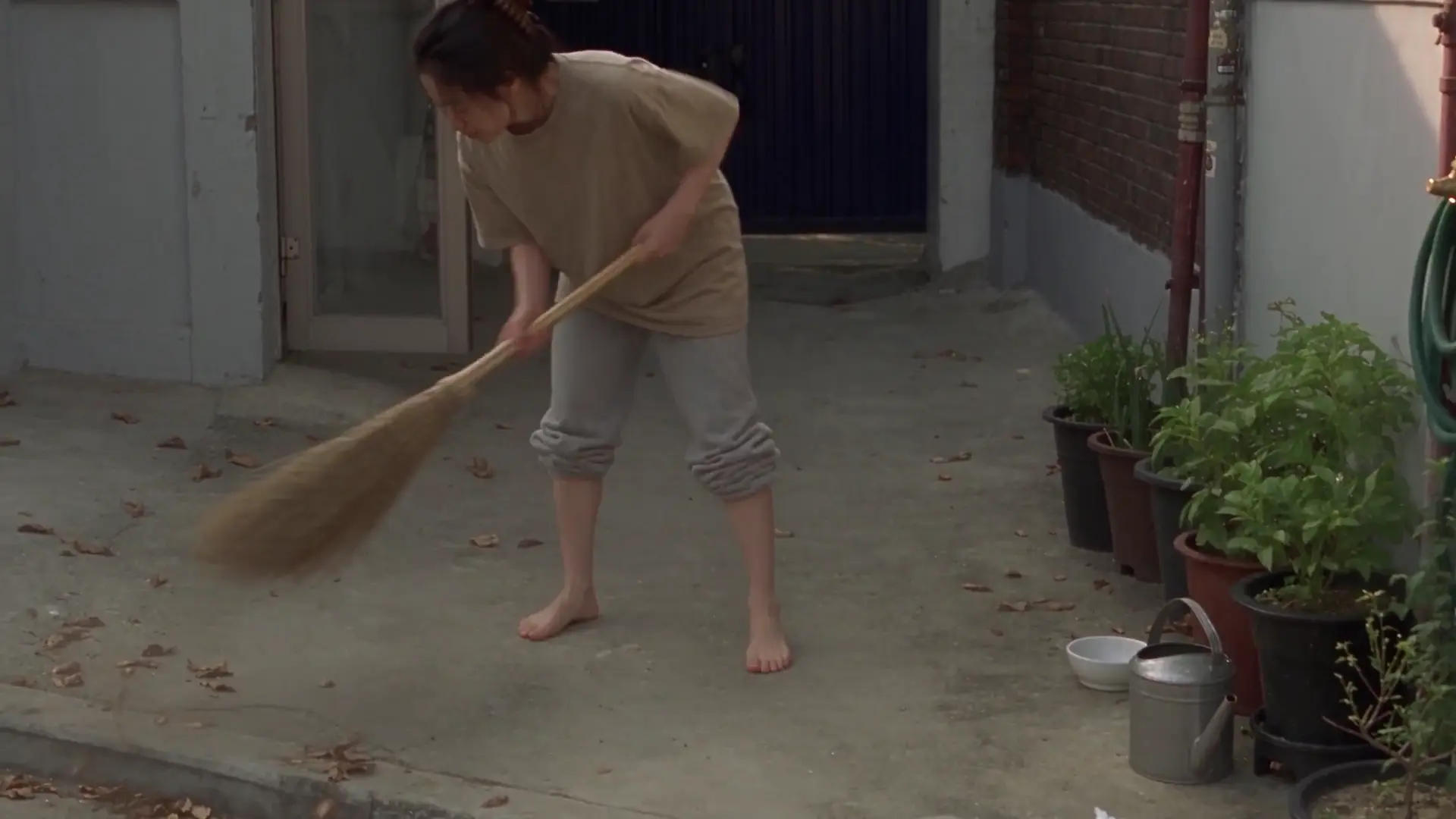
Home-video framing can make a generated scene feel less synthetic.
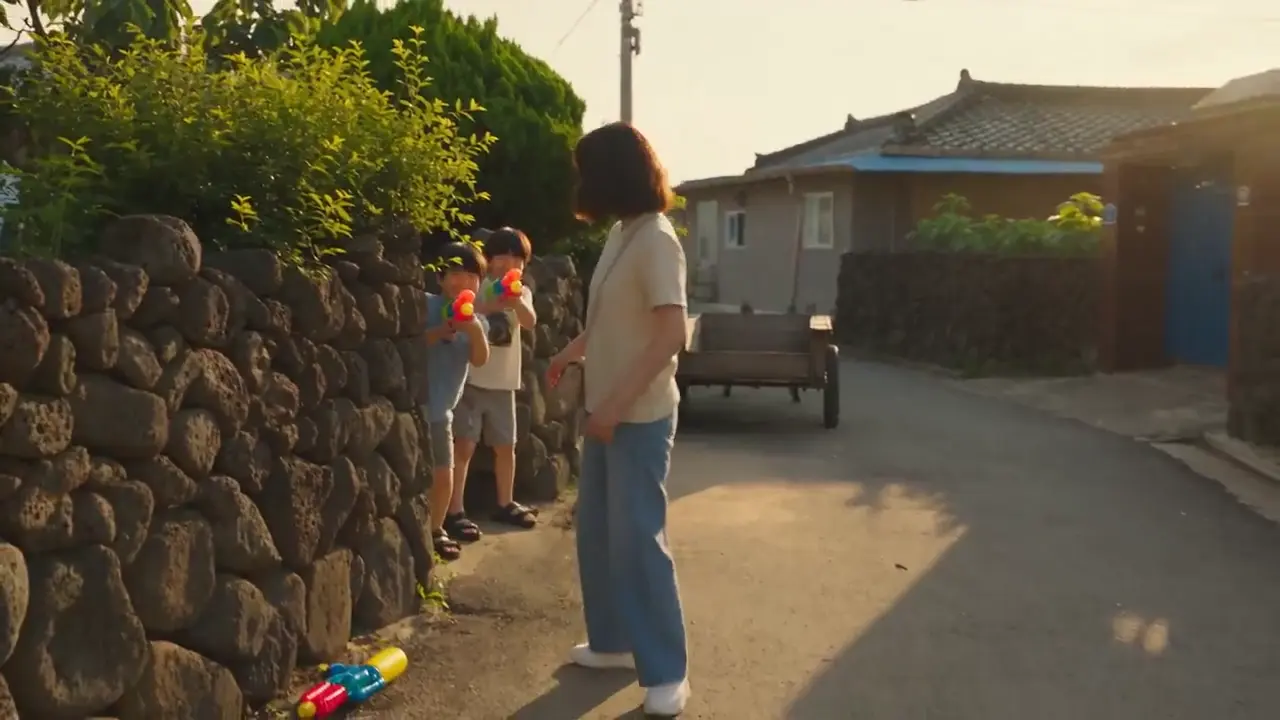
Longer clips can connect multiple beats without manual stitching.

Time-coded action gives a fast scene a readable beginning and end.
Start with a complete scene: one subject, a clear sequence and a camera that has a reason to move. Copy a recipe below, then change one detail at a time.
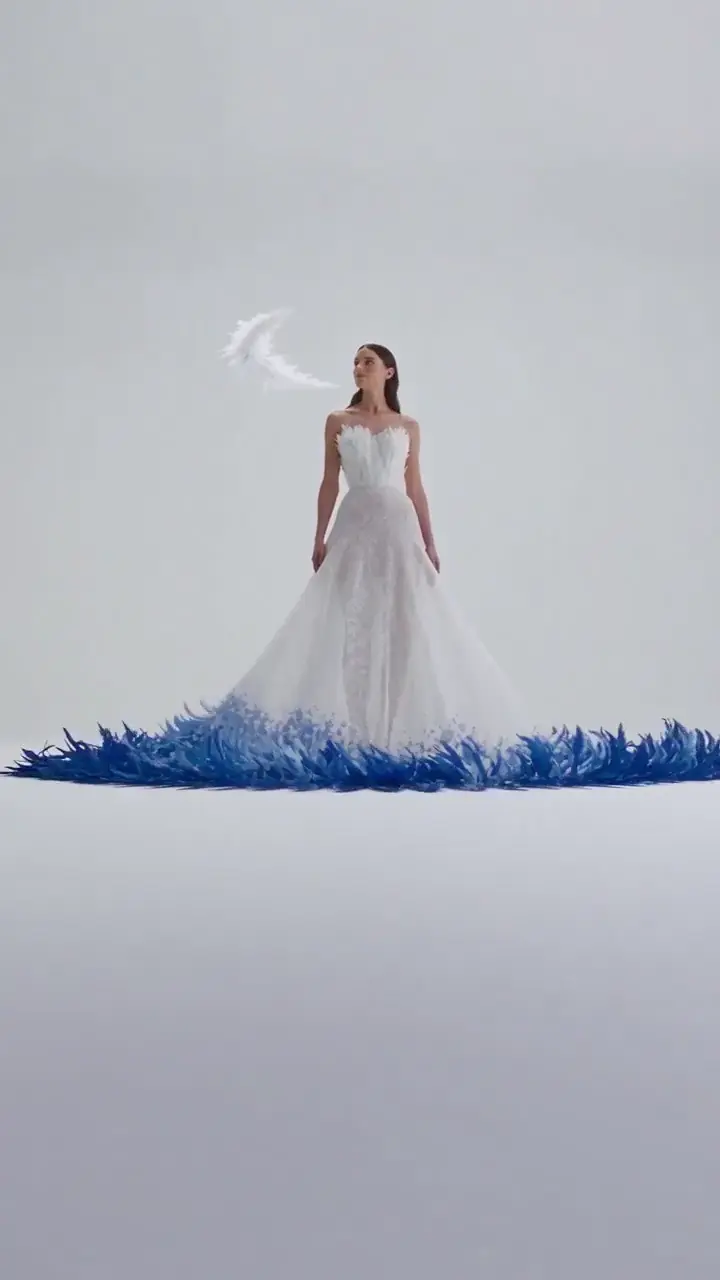
A fashion-film recipe built around a transforming material.
Film a fashion portrait in a quiet white gallery. A woman wears a gown built from layered ivory and cobalt feathers. Start with a full-length view as the hem lifts gently from the floor. The loose feathers gather into a curved sculpture behind her, separate into two broad wings, then settle around her shoulders. She follows the movement with her eyes but keeps the same calm expression and posture. Move the camera forward slowly, ending on the texture of one sleeve. Keep her face, hairstyle and dress construction unchanged. Use soft window light, delicate fabric movement, a faint rustle of feathers and no spoken dialogue. Let the last arrangement hold for a clean final frame.

A small cast, one prop and a recurring visual joke.
Make a gentle animated comedy in a small sunlit living room. Two fluffy rabbits sit on a beige sofa beside a cushion. One opens a lipstick and carefully practices a dramatic pose; the other leans closer to inspect the result and receives a bright kiss mark on its cheek. Hold for the surprised reaction, then let both characters laugh and hide behind the cushion. They peek out together for the final beat. Keep the same fur colors, clothes and proportions across the whole scene. Use a medium two-shot, one close reaction shot and a slow return to the sofa. Show soft fur, warm afternoon light, quiet room ambience and playful movement rather than fast cuts.
Five practical checks for evaluating the reference workflow; these are original Virvy criteria, not testimonials.
Does the subject keep a stable identity from the first frame to the last?
Use these cards as orientation, not as a live price or performance guarantee.
Keep the same character description, action and camera direction in both versions. Pay attention to the first and last close-ups: a convincing opening does not tell you whether the identity survives the whole shot. Listen to the dialogue separately, then check how much retiming or cleanup an editor would need before using either clip.
Open MiniMax H3Use a familiar setting rather than an elaborate fantasy scene for this comparison. A person walking through a street or talking to a friend makes differences in skin, movement and camera shake easier to see. Compare the natural-light version first, then change the style instruction. Judge the look you want rather than assuming that sharper always means better.
Open Wan 3.0Repeat a simple scene across the two workflows before moving to a complex sequence. Hold the reference image, aspect ratio and prompt constant, then inspect the transition between actions. Check whether clothing and background objects stay in place and whether the ending is clean enough to cut. A consistent test is more useful than comparing unrelated promotional examples.
See Seedance 2.0A longer take and a sequence of short clips solve different editing problems. Try one scene with a clear beginning, middle and end, then plan where you would cut it. Watch for changes in the face, background and lighting between shots. A continuous result may save matching work; shorter takes can give you more control over a single moment.
Answers about model options and generation confirmation.
Request the current quote in the generator and explicitly confirm it before a task is submitted. If generation is unavailable, the page will say so without submitting a task.
The generator shows the current quote, maximum USD cost and credits before submission. A task starts only after you confirm.
The reference page presents sound as part of the model workflow; Virvy will expose the setting only after the provider is connected and verified.
The model reference lists 5, 10, 15, 20 or 30 seconds. Available controls depend on the current model contract and quote.
The generator accepts an image reference when the selected model contract supports it. The page will explain when an image is required.
480p, 720p and 1080p appears in the model reference. The current quote is shown before any task is submitted.
The model weights and provider runtime are not included here; this page is a browser-based product reference.
No payment or credit deduction happens in this preview. Refund behavior will be documented only after the server-side payment and task ledger are verified.
Describe your scene, review the current quote and explicitly confirm before submission. Generation availability is checked when you request a quote.
Reference reading about Seedance 2.5.